

Need a down arrow symbol for a caption, a document, a resume, or a piece of UI design? You don’t have to dig through font menus or special character maps. This page has a huge, ready to use collection of down arrow symbols from the simple ↓ to decorative options like ➘ and ⤵ that you can copy and paste in one click.
Below, you’ll find what these symbols mean, how to type them on your keyboard, where to grab them as PNG images, and a categorized list covering everything from basic Unicode arrows to fancy, stylish variants.
What Is a Down Arrow Symbol?
A down arrow symbol is a text character that visually points downward, used to indicate direction, movement, a decrease, or a scroll/download action. Because it’s part of the Unicode Standard, it behaves just like a letter or number. You can type it, copy it, resize it, and change its color using normal text formatting, no image editing required.
You’ll spot down arrow symbols everywhere online:
- Dropdown menus and “expand” buttons on websites
- Download or “scroll for more” indicators
- Price or stock charts showing a decrease
- Social media bios, captions, and story stickers
- Instruction manuals and directional signage
- Résumés and documents to highlight a point or list
Read Also This Blog: Awesome Lenny Faces
Meaning of Down Arrow Symbols
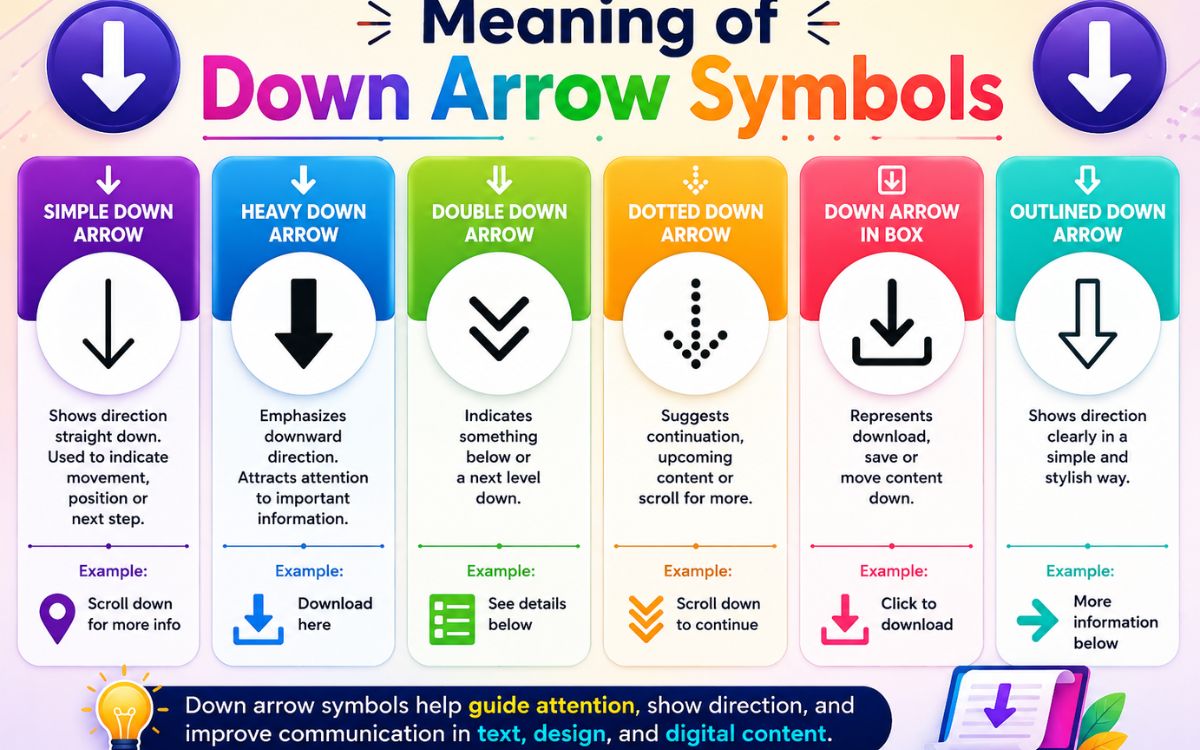
While every down arrow points in the same direction, the meaning shifts slightly depending on context:
- Movement or direction : Guiding a reader’s eye to the next section.
- Decrease or decline : Common in finance and data reporting.
- Download or save : Widely recognized as the universal “download” icon.
- Dropdown/expand : Used in menus, forms, and select boxes.
- Emphasis : Used casually in texts to say “look below” or “see this”.
Down Arrow Symbols Copy and Paste
Here is a categorized list of the most commonly used down arrow symbols. Click, copy, and paste any of them directly into your text.
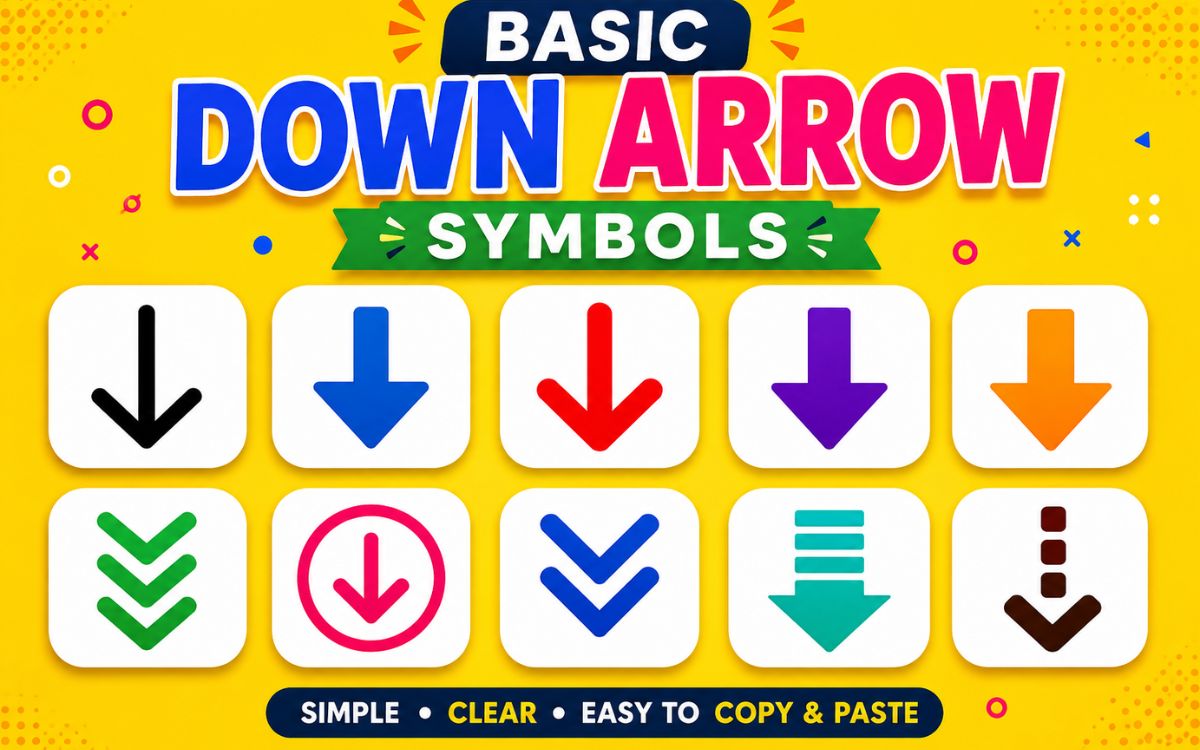
Basic Down Arrow Symbols
| Symbol | Name |
| ↓ | Downwards Arrow |
| ⇓ | Downwards Double Arrow |
| ⇩ | Downwards White Arrow |
| ⬇ | Black Down-Pointing Arrow |
| ▼ | Black Down-Pointing Triangle |
| ▽ | White Down-Pointing Triangle |
| ↡ | Downwards Two Headed Arrow |
| ↧ | Downwards Arrow From Bar |
Curved and Zigzag Down Arrows
| Symbol | Name |
| ↴ | Rightwards Arrow With Corner Downwards |
| ↵ | Downwards Arrow With Corner Leftwards |
| ↯ | Downwards Zigzag Arrow |
| ⤵ | Arrow Pointing Rightwards Then Curving Downwards |
| ⤸ | Right-Side Arc Clockwise Arrow |
| ⟱ | Downwards Quadruple Arrow |
Double-Headed and Bar Arrows
| Symbol | Name |
| ⇊ | Downwards Paired Arrows |
| ⇟ | Downwards Arrow With Double Stroke |
| ⇳ | Up Down Arrow With Base |
| ⭥ | Up Down Triangle-Headed Arrow |
| ⬍ | Up Down Black Arrow |
Decorative and Fancy Down Arrows
- ➘
- ➴
- ➷
- ➹
- ⇣
- ⥥
- ⤈
- ᐯ
- ꜜ
- ⮶
- ⮷
Down Arrow Symbol Text
Sometimes you just want a small arrow to slot naturally into a sentence or caption. These plain, lightweight versions work well in text:
- Scroll down ↓ for more details
- Prices dropped ⇩ this quarter
- Tap here ▼ to expand
- See below ⬇ for the full list
Since these are plain Unicode characters (not emoji), they keep a clean, minimal look and match your font style automatically no color or platform inconsistency to worry about.
Down Arrow Symbol Emoji
Unlike the plain text arrows above, arrow emoji are rendered as small graphics and can look different across platforms like iOS, Android, and Windows.
| Emoji | Common Name |
| ⬇️ | Down Arrow |
| ↘️ | Down-Right Arrow |
| ↙️ | Down-Left Arrow |
| 🔽 | Downwards Button |
| ⏬ | Fast Down Button |
Down Arrow Symbol vs. Down Arrow Emoji
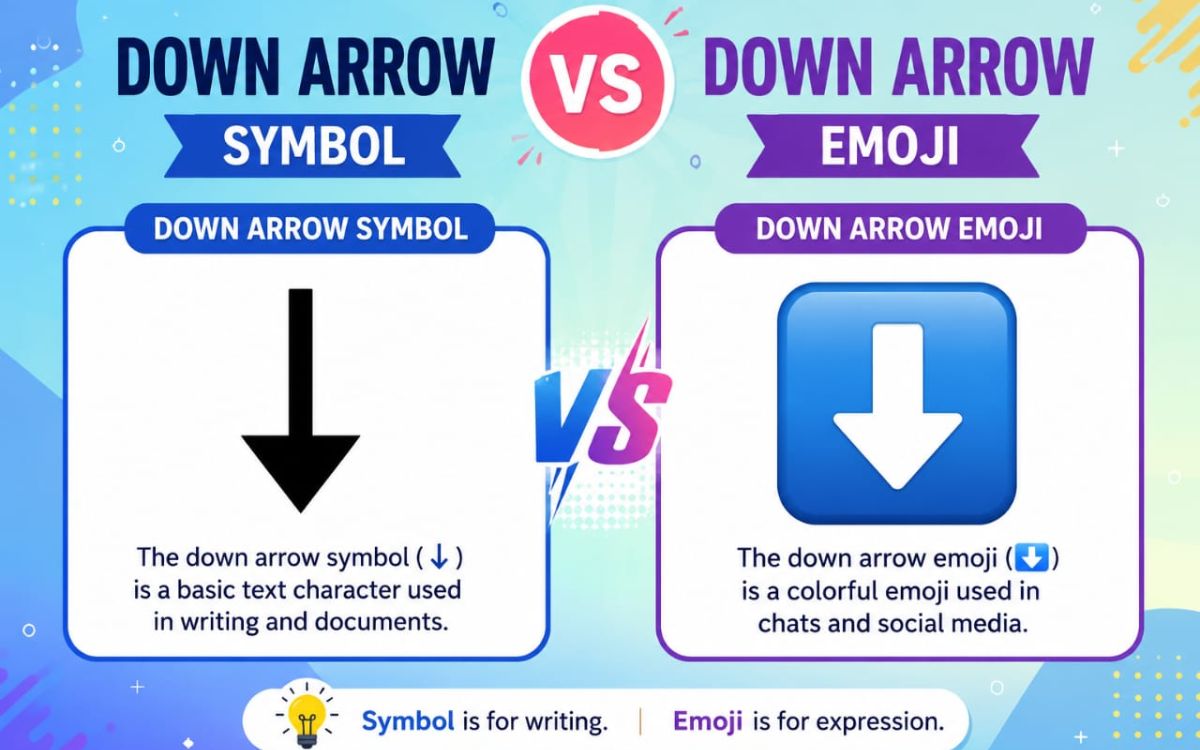
| Feature | Text Symbol (↓) | Emoji (⬇️) |
| Rendering | Plain Unicode character | Colorful graphic image |
| Appearance | Consistent across most fonts | Varies by device/OS |
| Best use | Documents, code, UI, formal text | Social captions, casual chats |
| Resizable/color-changeable | Yes, like normal text | No, fixed design |
Down Arrow Symbol PNG
If you need a down arrow as an image file for a presentation, thumbnail, or graphic design project. PNG and SVG versions are the way to go, since they support transparent backgrounds and scale cleanly without pixelating.
When to Use PNG Instead of Text
- Designing logos, banners, or YouTube thumbnails
- Building slide decks where font support is inconsistent
- Adding arrows to images in Canva, Photoshop, or Figma
- Ensuring the icon looks identical across every device
Most symbol libraries offering PNG downloads also include SVG files, which are better for web use since they stay sharp at any size.
Down Arrow Symbol on Keyboard
You don’t need any special software to type a down arrow most operating systems have a built-in shortcut.
Windows (Alt Code)
- Turn on Num Lock
- Hold the Alt key
- Type 25 on the numeric keypad
- Release Alt to see ↓ appear
Mac
Mac doesn’t have a dedicated key combo for ↓ by default, but you can:
- Use the Character Viewer (Control + Command + Space) and search “down arrow”
- Copy it directly from a list like this one
In Microsoft Word
- Go to Insert > Symbol > More Symbols
- Search for “downwards arrow”
- Select it and click Insert
Using HTML or CSS Code
| Format | Code |
| HTML Entity | ↓ |
| HTML Decimal | ↓ |
| HTML Hex | ↓ |
| CSS Content | content: “\2193”; |
Where to Use Down Arrow Symbols
- Social media: Instagram bios, TikTok captions, Twitter/X posts.
- Websites: Dropdown menus, “read more” buttons, scroll cues.
- Documents: Résumés, reports, presentations.
- Programming: UI icons, terminal prompts, code comments
- Messaging apps: WhatsApp, Discord, Telegram, Snapchat
Conclusion
A down arrow might look like a small detail, but it’s one of the most useful symbols in everyday digital communication, pointing readers exactly where you want them to look. Whether you need a simple ↓ for a text message, a decorative ➷ for a bio, or a downloadable PNG for a design project, this list has you covered. Bookmark this page so you always have a full set of down arrow symbols just a copy and paste away.
FAQs
What is the simplest down arrow symbol to copy?
The basic ↓ (Downwards Arrow) is the most widely supported and commonly used version.
Can I use down arrow symbols on Instagram and TikTok?
Yes, since they’re Unicode text characters, they paste directly into bios, captions, and comments.
How do I type a down arrow without copying it?
On Windows, hold Alt and type 25 on the numeric keypad to insert ↓ directly.
Is a down arrow symbol the same as a down arrow emoji?
No, the symbol (↓) is plain Unicode text, while the emoji (⬇️) is a colored graphic that varies by device.
Where can I get a down arrow as a PNG image?
Symbol and icon libraries that offer downloadable PNG or SVG files are best for design and presentation use.
Do down arrow symbols work in HTML and CSS?
Yes, you can insert them using HTML entities like ↓ or CSS content codes like \2193.
