

Looking for the perfect up arrow symbol to copy and paste? You’ve landed in the right place.
Up arrow symbols are small text characters that instantly grab attention. People use Up arrow symbols to point at something above, show growth in a chart, mark a “scroll to top” button, or simply spice up a caption on Instagram and WhatsApp. Instead of hunting through emoji keyboards or digging into Word’s symbol menu, you can just click, copy, and paste any arrow below.
This guide covers everything: the meaning behind the up arrow, dozens of copy paste ready symbols, how to type an up arrow on a Windows keyboard, how to insert one in Microsoft Word, where it shows up in math, and how to grab a transparent PNG version for design work.
What Is an Up Arrow Symbol?
An up arrow symbol (↑) is a Unicode character that points upward. It belongs to the Arrows block of the Unicode Standard, a set of characters built specifically to represent direction, movement, and navigation without needing an image file.
Because it’s plain text, an up arrow symbols works everywhere text works, social media bios, spreadsheets, code, PDFs, presentations, and website content. No app download, no image upload, no font installation required.
Meaning of the Up Arrow Symbol
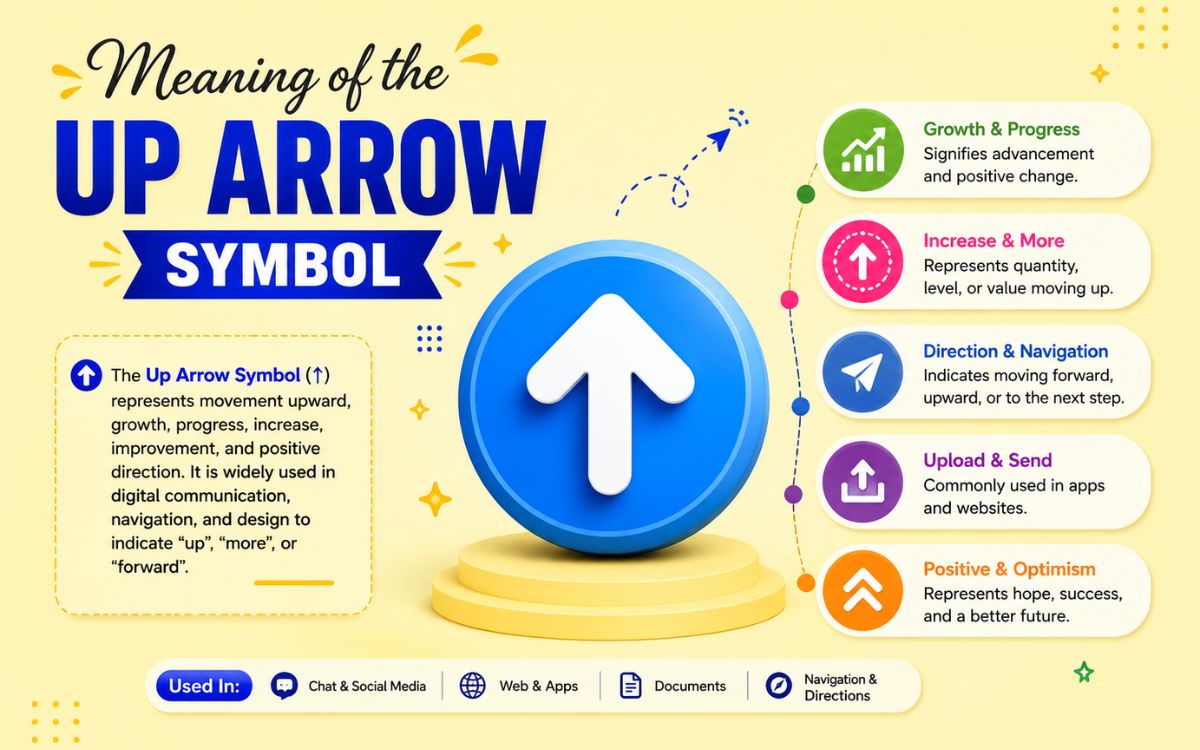
The meaning of an up arrow symbol changes slightly depending on where you use it:
- General communication: Points to something above, such as a previous message, image, or comment.
- Direction and navigation: Indicates “go up,” “scroll to top,” or “move to a higher level” in apps, remotes, and UI buttons.
- Data and statistics: Shows an increase rising sales, a stock price going up, or improved performance.
- Medical notation: Doctors and nurses use ↑ to mean “increased” or “elevated” (for example, ↑ BP for high blood pressure).
- Chemistry: A gas symbol next to a chemical formula shows that a gas is released during a reaction.
- Mathematics and computer science: Represents exponentiation, logical operations, or specialized notation (explained in detail below).
- Gaming and remotes: The literal directional key for moving a character or cursor upward.
In short, the up arrow is a universal visual shortcut for “upward,” “higher,” or “more” which is exactly why it’s so popular in everyday typing.
Up Arrow Symbol Text List
Below is a curated collection of up arrow text symbols. Just click, copy, and paste them into any app, document, or website.
Read Also This Blog: Beautiful Down Arrow Symbols
Basic Up Arrow Symbols
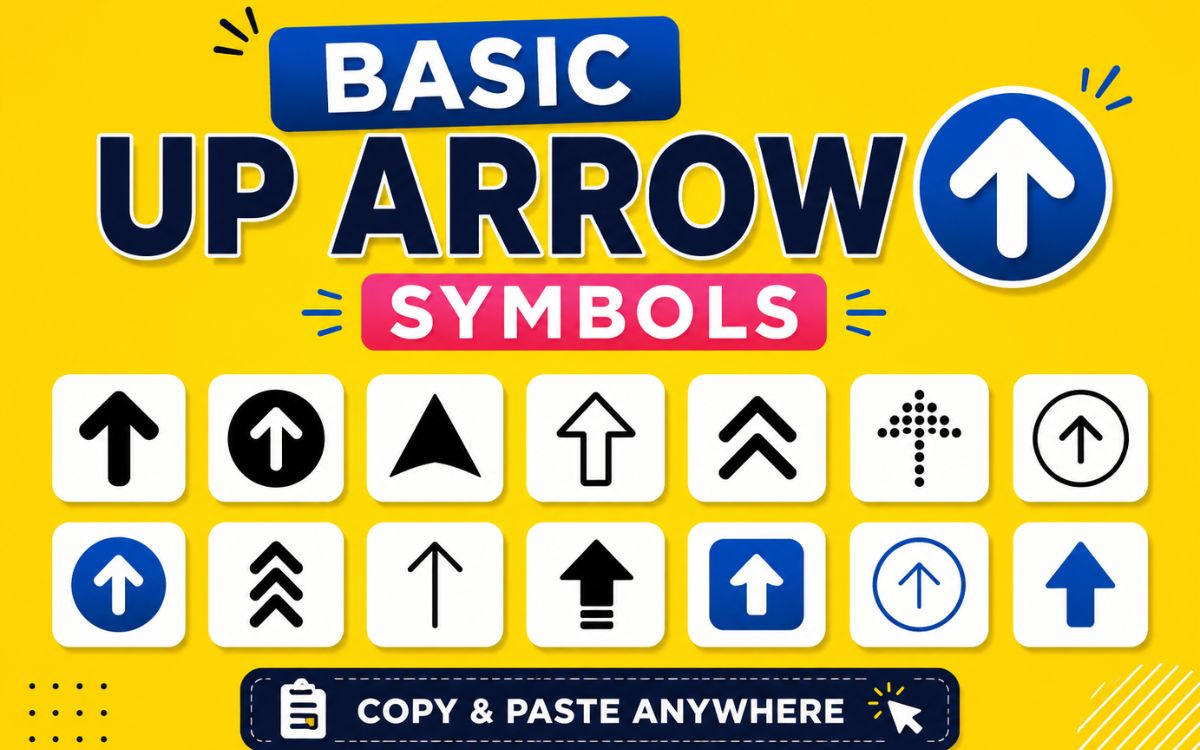
| Up Arrow Symbols | Name | Unicode |
|---|---|---|
| ↑ | Upwards Arrow | U+2191 |
| ⇑ | Upwards Double Arrow | U+21D1 |
| ⇧ | Upwards White Arrow | U+21E7 |
| ↟ | Upwards Two Headed Arrow | U+219F |
| ↥ | Upwards Arrow From Bar | U+21A5 |
| ⇈ | Upwards Paired Arrows | U+21C8 |
| ⇞ | Upwards Arrow With Double Stroke | U+21DE |
| ⤒ | Upwards Arrow To Bar | U+2912 |
| ⥉ | Upwards Two Headed Arrow From Small Circle | U+2949 |
| ⭡ | Upwards Triangle-Headed Arrow | U+2B61 |
Stylish and Decorative Up Arrows Symbols
| Up Arrow Symbols | Name | Unicode |
|---|---|---|
| ⮕ | Heavy Wide-Headed Rightwards Arrow (rotate for style) | U+2B95 |
| ⮴ | Rightwards Arrow To Upwards Arrow | U+2B74 |
| ⮵ | Upwards Arrow To Rightwards Arrow | U+2B75 |
| ➦ | Heavy Round-Tipped Rightwards Arrow (up variant) | U+27A6 |
| ⇡ | Upwards Dashed Arrow | U+21E1 |
| ⇪ | Upwards White Arrow From Bar | U+21EA |
| ⟰ | Upwards Quadruple Arrow | U+27F0 |
| ⤊ | Upwards Triple Arrow | U+290A |
| ꜛ | Modifier Letter Raised Up Arrow | U+A71B |
| ⬆ | Upwards Black Arrow (emoji-style) | U+2B06 |
Circled and Boxed Up Arrows
| Up Arrow Symbols | Name | Unicode |
|---|---|---|
| ⇧ | Upwards White Arrow | U+21E7 |
| 🔝 | Top Arrow (emoji) | U+1F51D |
| ⬆️ | Up Arrow Emoji | U+2B06 U+FE0F |
| ↑ | Enclosed Up Arrow variant | U+2191 |
Up Arrow Symbol PNG
Sometimes plain text arrows don’t fit a design project . You need a transparent image instead. Here’s how to get an up arrow symbol as a PNG:
- Screenshot method: Type the arrow in a large font size, screenshot it, and crop the background using any free editor.
- Icon libraries: Sites like Flaticon, Icons8, and Freepik offer free up arrow PNGs in multiple colors and styles with transparent backgrounds.
- Design tools: Canva and Figma both include built-in arrow shapes you can export directly as PNG files.
- Emoji-to-image converters: Convert the ⬆️ emoji into a standalone PNG using free online emoji to PNG tools.
Always check the license before using a downloaded PNG in commercial work. Many icon sites require attribution or a paid plan for commercial use.
Up Arrow Symbol in Math

The up arrow isn’t just decorative in mathematics. Up Arrow Symbol carries specific technical meaning depending on context.
- Knuth’s Up-Arrow Notation: Introduced by Donald Knuth, this notation uses one or more up arrow symbols to express extremely large numbers. A single arrow represents exponentiation, while double and triple arrows represent repeated exponentiation (titration and pentation). It’s the notation behind famously massive numbers like Graham’s number.
- Undefined or approaching from below: In calculus and set theory, up arrow symbol can indicate a value approaching a limit from below.
- Logical operations: In propositional logic, up arrow symbol sometimes represents the Sheffer stroke (NAND operation) — “not both.”
- APL programming language: The up arrow symbol function is used for the “take” operation on arrays.
| Notation | Meaning | Example |
|---|---|---|
| a ↑ b | Exponentiation | 5 ↑ 4 = 5⁴ = 625 |
| a ↑↑ b | Tetration (repeated exponentiation) | 3 ↑↑ 3 = 3^(3^3) = 7,625,597,484,987 |
| a ↑↑↑ b | Pentation | Grows too fast to write in decimal form |
Up Arrow Symbol in Word
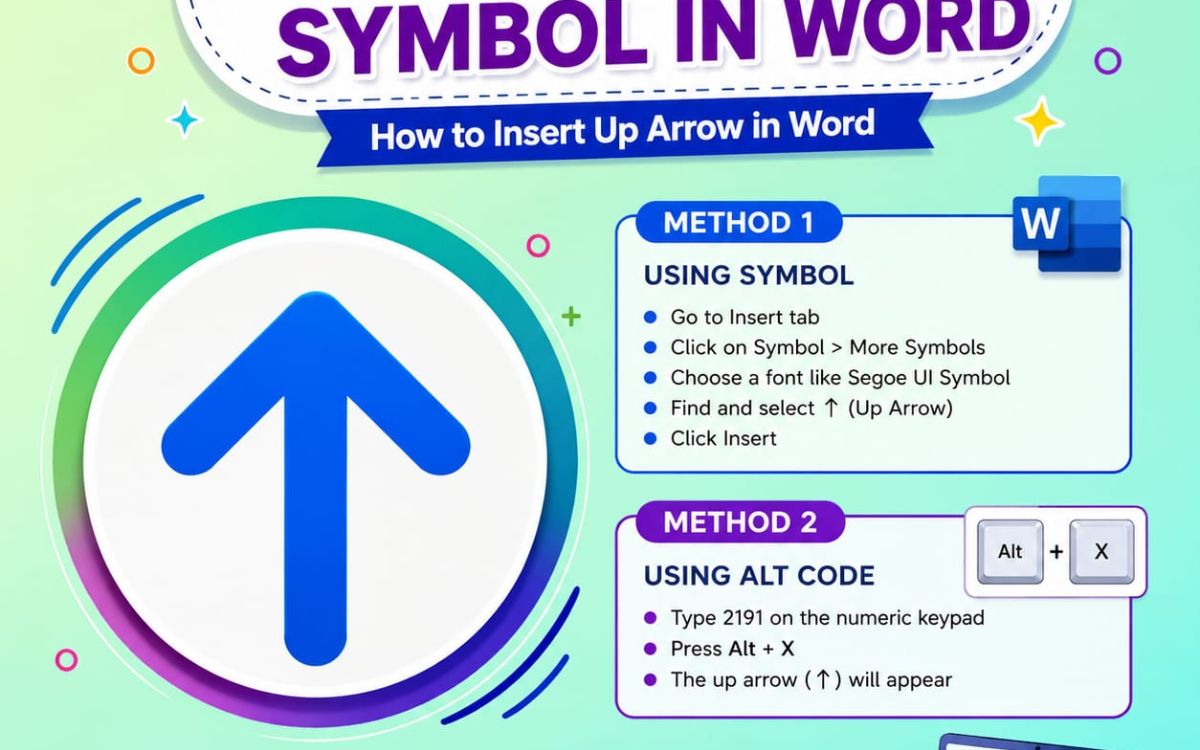
Need to insert an up arrow directly into a Microsoft Word document? You have four easy options:
Method 1: Insert Symbol Menu
- Place your cursor where you want the arrow.
- Go to Insert > Symbol > More Symbols.
- Select Arrows from the subset dropdown, or search for “up arrow.”
- Double-click the up arrow symbol to insert it.
Method 2: Unicode Shortcut
Type 2191, then press Alt + X immediately after. Word will convert the code into the up arrow symbol.
Method 3: Alt Code (Numeric Keypad)
Hold Alt and type 24 on the numeric keypad, then release. This inserts the up arrow symbol directly.
Method 4: AutoCorrect Shortcut
Set up a custom AutoCorrect entry (like typing “uparrow”) under File > Options > Proofing > AutoCorrect Options, so Word automatically replaces your shortcut text with up arrow symbol.
Up Arrow Symbol Keyboard Windows
Typing an up arrow symbol on a Windows keyboard is quick once you know the shortcuts.
| Method | Shortcut | Works In |
|---|---|---|
| Alt Code | Alt + 24 (Num Lock on) | Most Windows apps |
| Unicode Input | Type 2191, press Alt + X | Word, WordPad |
| Character Map | Search “arrow” in Windows Character Map app | Any app (copy-paste) |
| Emoji Panel | Windows + . (period), search “up arrow” | Apps with emoji support |
Steps to Use Alt Code
- Make sure Num Lock is turned on.
- Hold down the Alt key on your keyboard.
- Using the numeric keypad, type 24.
- Release the Alt key — the up arrow symbol appears instantly.
This trick works for most special characters, not just arrows, making it worth memorizing for other symbols too.
Where People Use Up Arrow Symbols
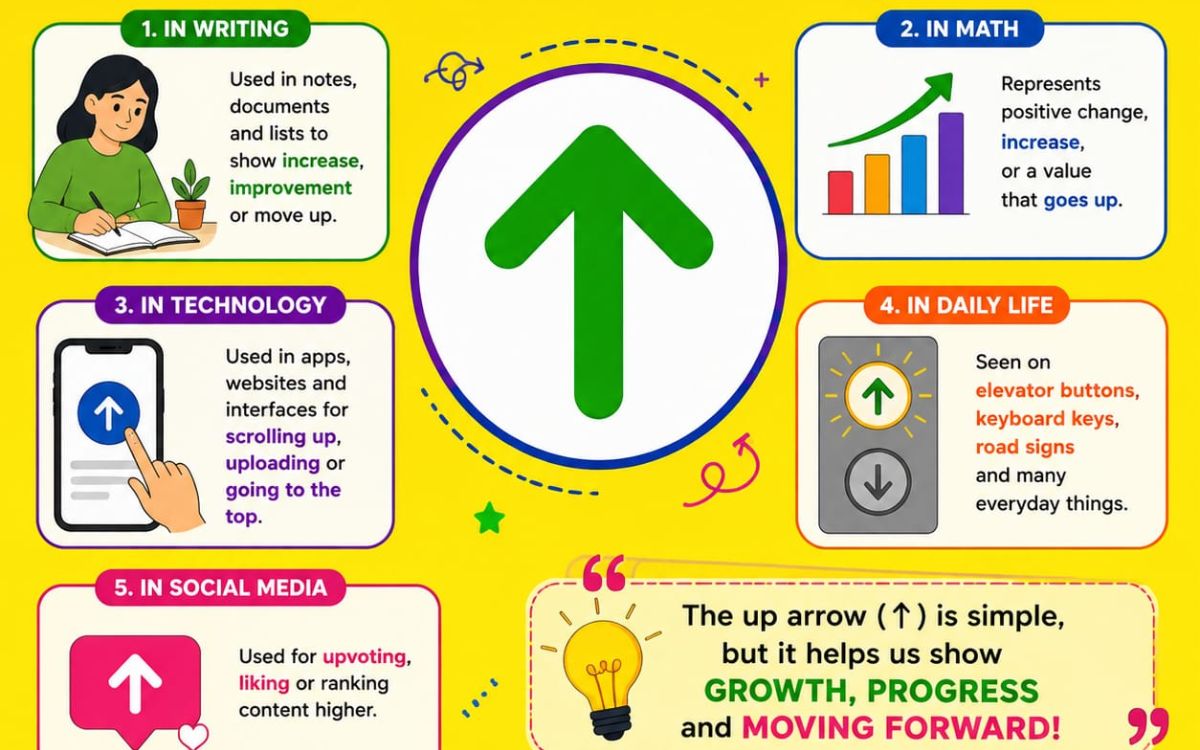
- Social media captions to point at a linked post, bio, or story above
- WhatsApp and Instagram statuses for quick directional cues
- Spreadsheets and reports to flag rising numbers or KPIs
- Website buttons for “back to top” navigation
- Gaming usernames and profiles for a stylish visual touch
- Presentations to highlight growth trends or improvements
Quick Comparison: Up Arrow vs Other Direction Symbols
| Up Arrow Symbol | Direction | Common Use |
|---|---|---|
| ↑ | Up | Increase, scroll to top, direction |
| ↓ | Down | Decrease, dropdown, download |
| ← | Left | Back navigation, previous |
| → | Right | Forward navigation, next step |
| ↕ | Up-Down | Two-way vertical movement |
Conclusion
The up arrow symbol looks tiny, but it carries a lot of meaning from a simple “scroll up” cue on a website to a serious mathematical notation used for numbers too large to write out. Whether you need a plain ↑ for a text message, a stylish ⇑ for your social bio, or the correct alt code to type one in Word, this guide has you covered.
Bookmark this page, and next time you need an up arrow symbol, just copy, paste, and go.
FAQs
What does the up arrow symbol mean in texting?
It usually means “see above,” pointing to a previous message, image, or comment in the conversation.
How do I type an up arrow on my keyboard?
On Windows, hold Alt and type 24 on the numeric keypad, or use the Windows emoji panel (Windows + period).
What is the Alt code for the up arrow symbol?
The Alt code for the up arrow (↑) is Alt + 24.
What does up arrow symbol mean in math?
It commonly represents exponentiation in Knuth’s up-arrow notation, used to express extremely large numbers.
Can I use up arrow symbols on Instagram and WhatsApp?
Yes, since they’re plain Unicode text, up arrow symbols paste directly into captions, bios, and chats without any special formatting.
How do I insert an up arrow symbol in Word?
Use Insert > Symbol > More Symbols, or type 2191 and press Alt + X for an instant conversion.
Is the up arrow symbol the same as the up arrow emoji?
Not exactly. The plain text symbol (↑) renders as a simple character, while the emoji version (⬆️) often appears in color depending on the device and platform.
Where can I get a transparent up arrow PNG?
Free icon sites like Flaticon and Icons8, or design tools like Canva, let you download transparent up arrow PNGs for design projects.
