


The greater than symbol (>) is one of the first math symbols most of us learn in school, yet it still trips people up whether it’s remembering which way the “mouth” opens, typing it correctly in Excel, or finding it on a keyboard that doesn’t have a dedicated key for it.
This guide covers everything about the greater than symbol in one place: what it means, how to use it in math and Excel, its keyboard shortcuts across every device, and its LaTeX code. You’ll also find the greater than or equal to symbol, the less than symbol, and the “not greater than” sign, so you’re never stuck searching for a single character again.
Greater Than Symbol Name
The greater than symbol (>) is officially called the greater than sign. It belongs to a group of characters known as inequality symbols or comparison operators, used to show the relationship between two values when they are not equal.
Here’s a quick reference for the full family of related symbols:
| Symbol | Name |
| > | Greater Than |
| < | Less Than |
| ≥ | Greater Than or Equal To |
| ≤ | Less Than or Equal To |
| ≠ | Not Equal To |
| ≯ | Not Greater Than |
What Does The Greater Than Symbol Look Like?
The greater than symbol looks like a sideways “V” or an arrowhead pointing to the right: >. The wide, open end of the symbol always faces the larger number, while the narrow point faces the smaller number.
A simple trick many teachers use: think of the symbol as an alligator’s mouth. The alligator always wants to “eat” the bigger number, so its mouth (the open side) opens toward the greater value.
For example:
- 8 > 3 The open side faces 8, since 8 is larger.
- 12 > 5 The open side faces 12.
Read Also This Blog: Copyright Symbols Awesome
Greater Than Symbol In Math
In mathematics, the greater than symbol is used to compare two numbers, variables, or expressions, showing that the value on the left is larger than the value on the right.
Some common examples of how it’s used:
- x > 10 means x is any value greater than 10, not including 10 itself.
- 7 > 2 is a true numerical statement.
- In algebra, it’s used to define inequalities, such as solving for a range of values that satisfy a condition.
- In set notation and interval notation, it helps define open ranges for instance, x > 0 describes all positive numbers.
Greater Than And Equal To Symbol
The greater than or equal to symbol (≥) combines the greater than sign with an equal sign underneath it. It means a value is either larger than or exactly equal to another value.
For example:
- x ≥ 5 means x can be 5, or any number greater than 5.
- In Excel and programming, this is written using two characters: >=
This differs from the plain greater than symbol, which strictly excludes equality.
Greater Than And Less Than Symbol
The greater than (>) and less than (<) symbols are mirror images of each other and are almost always taught together, since they represent opposite comparisons.
| Symbol | Meaning | Example |
| > | Left value is bigger | 9 > 4 |
| < | Left value is smaller | 4 < 9 |
A helpful way to remember the difference: the symbol always points toward the smaller number, like a shrinking arrow.
Not Greater Than Symbol
The not greater than symbol (≯) is used to state that one value is not larger than another meaning it’s either less than or equal to it. It’s written as a greater than sign with a diagonal slash through it.
This symbol is far less common in everyday math but does appear in more advanced set theory, logic, and formal proofs.
Greater Than Symbol On Keyboard
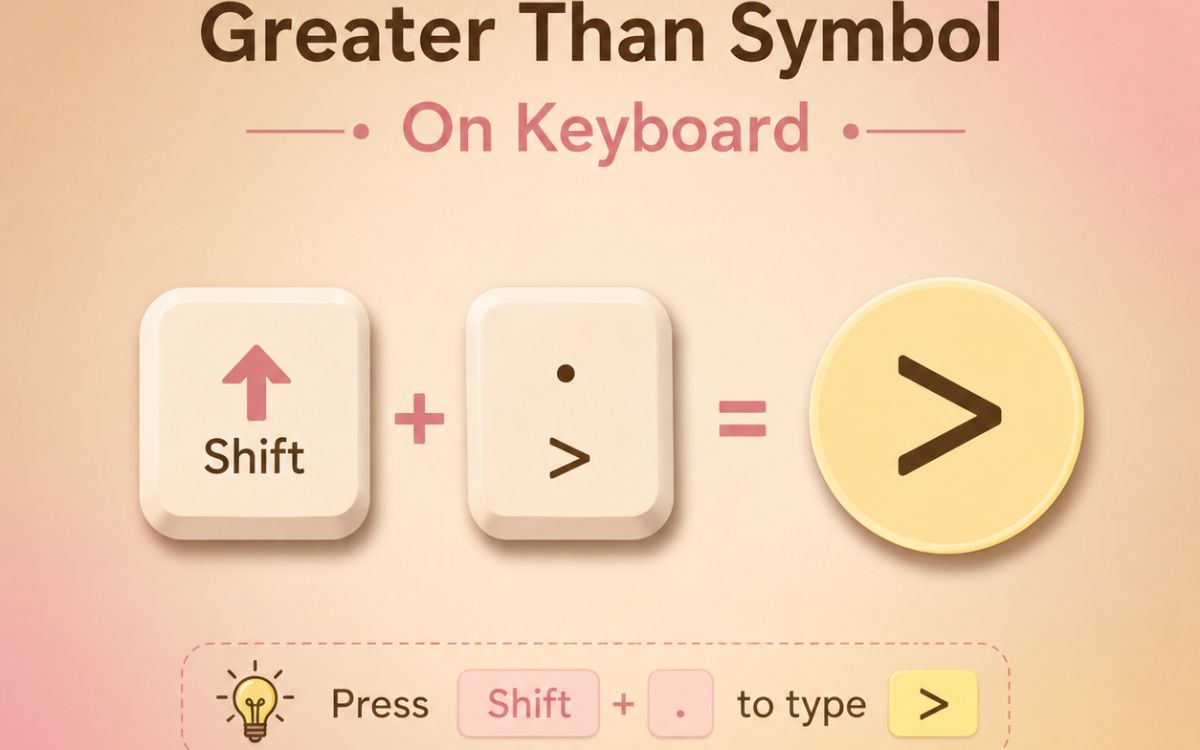
The greater than symbol is available directly on every standard keyboard it’s just hidden behind a shift key combination rather than sitting on its own key.
| Device/OS | Shortcut | Notes |
| Windows/Mac (any app) | Shift + . (period) | Standard method on QWERTY keyboards |
| Excel | Shift + . or type directly in formula | Recognized as a comparison operator |
| Word | Type directly, or Alt + 62 | Alt code method also works |
| iPhone/Android | Tap 123 or ?123, then symbols | Found on the numbers/symbols keyboard |
| HTML | > or > | For web pages |
| LaTeX | > (typed directly) | No special command needed |
How To Use Greater Than Symbol?
Using the greater than symbol is straightforward once you know where it lives on your keyboard:
- Locate the period (.) key on your keyboard , the greater than symbol shares this key.
- Hold Shift and press the period key at the same time.
- The > symbol will appear wherever your cursor is placed.
- In Excel or coding environments, simply type it directly as part of a formula or comparison statement.
This shortcut works consistently across Windows, Mac, and most external keyboards connected to tablets or phones.
Greater Than Symbol In Excel
In Excel, the greater than symbol works as a logical comparison operator, commonly used inside formulas to test whether one value is larger than another.
Common ways it’s used in Excel:
- =A1>B1: Returns TRUE if the value in A1 is greater than B1, otherwise FALSE.
- =IF(A1>10,”Pass”,”Fail”): Returns “Pass” if A1 is greater than 10.
- COUNTIF(range,”>50″): Counts how many cells in a range have values greater than 50.
- Conditional Formatting: Often uses the greater than symbol to highlight cells that exceed a certain value.
| Formula Example | What It Does |
| =A1>B1 | Checks if A1 is greater than B1 |
| =A1>=B1 | Checks if A1 is greater than or equal to B1 |
| =COUNTIF(A1:A10,”>100″) | Counts values greater than 100 |
| =SUMIF(A1:A10,”>0″) | Sums only positive values |
To type it directly in a cell or formula bar, just press Shift + period (.) , no special shortcut is needed since it’s a standard keyboard character.
Greater Than Symbol LaTeX
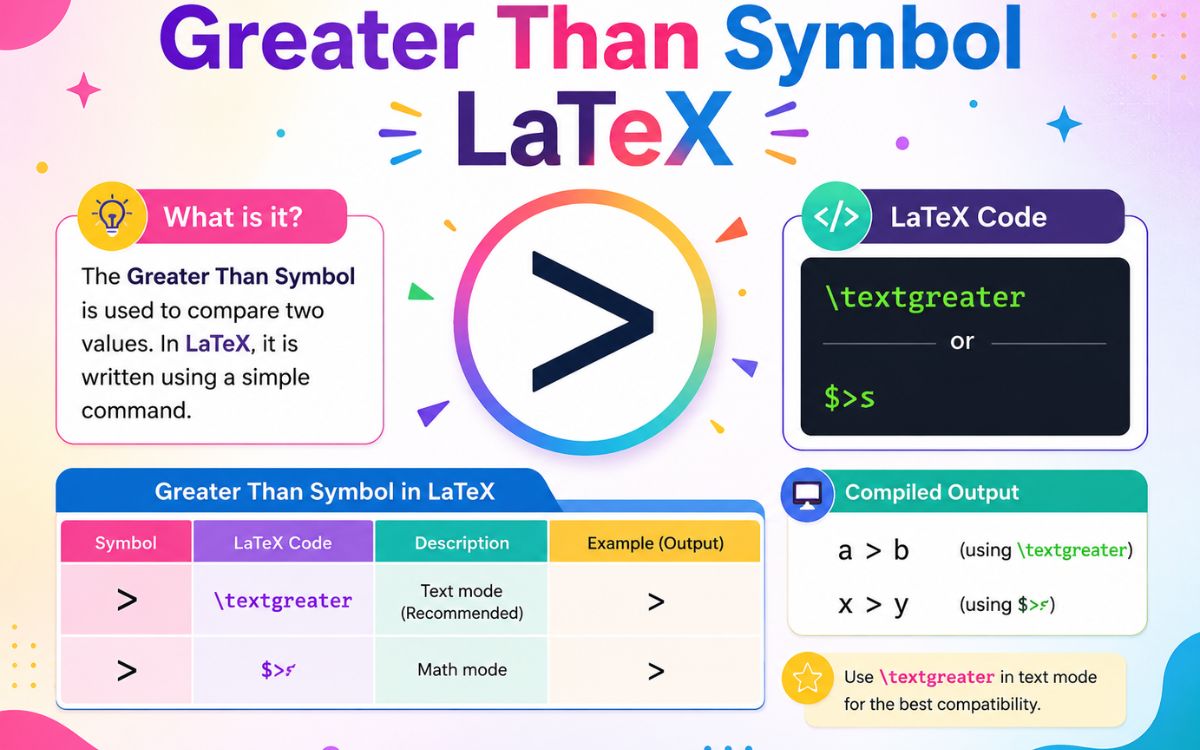
In LaTeX, the greater than symbol doesn’t require any special command, it can be typed directly using the standard character: $a > b$
For the greater than or equal to symbol, LaTeX provides a dedicated command:
$a \geq b$
| Symbol | LaTeX Code |
| > | > |
| ≥ | \geq |
| < | < |
| ≤ | \leq |
| ≠ | \neq |
These render correctly inside math mode (between dollar signs) in any LaTeX document or editor.
Greater Than Symbol Copy And Paste
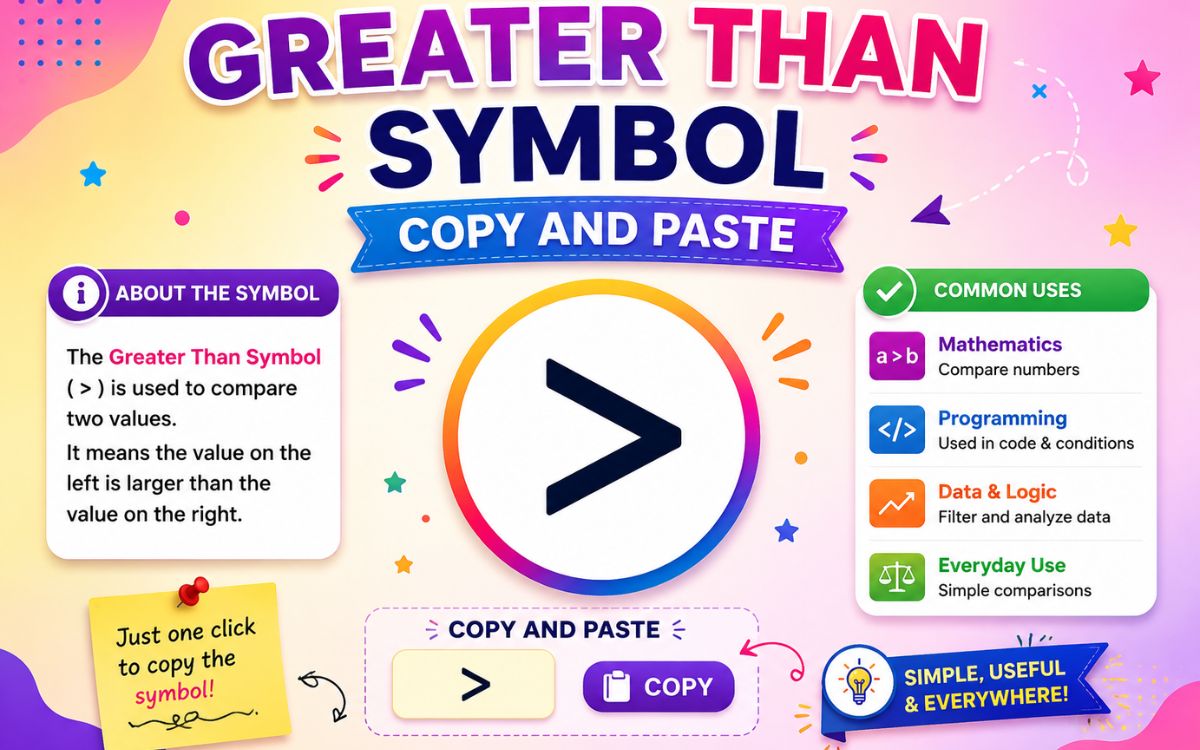
If you’d rather skip shortcuts altogether, just copy the symbol you need directly from the table below.
| Symbol | Name |
| > | Greater Than |
| ≥ | Greater Than or Equal To |
| < | Less Than |
| ≤ | Less Than or Equal To |
| ≠ | Not Equal To |
| ≯ | Not Greater Than |
To use it, highlight the symbol, copy it (Ctrl + C or Cmd + C), then paste it (Ctrl + V or Cmd + V) into your document, spreadsheet, or website. This method works across every device without needing to remember a single keyboard combination.
Frequently Asked Questions
What is the greater than symbol used for?
It’s used to compare two values and show that one is larger than the other, commonly in math, Excel formulas, and programming.
How do I remember which way the greater than symbol points?
Picture it as an alligator’s mouth, the wide open end always faces the bigger number.
What is the keyboard shortcut for the greater than symbol?
Press Shift + period (.) on any standard keyboard to type the greater than sign.
How do I type greater than or equal to in Excel?
Type two characters together: >= directly in the formula bar or cell.
Is there a Latex’s command for greater than?
No special command is needed simply type > directly inside math mode.
What’s the difference between > and ≥?
means strictly greater, excluding equality, while ≥ means greater than or equal to, including equality.
Final Thoughts
The greater than symbol may seem like a small detail, but it plays a big role in math, spreadsheets, coding, and everyday comparisons. Whether you’re solving an inequality, writing an Excel formula, or just need to quickly copy and paste the symbol, you now have every method covered for keyboards, Excel, LaTeX, and beyond.
Bookmark this guide for the next time you need a quick >, ≥, or ≠ : everything is right here.
