

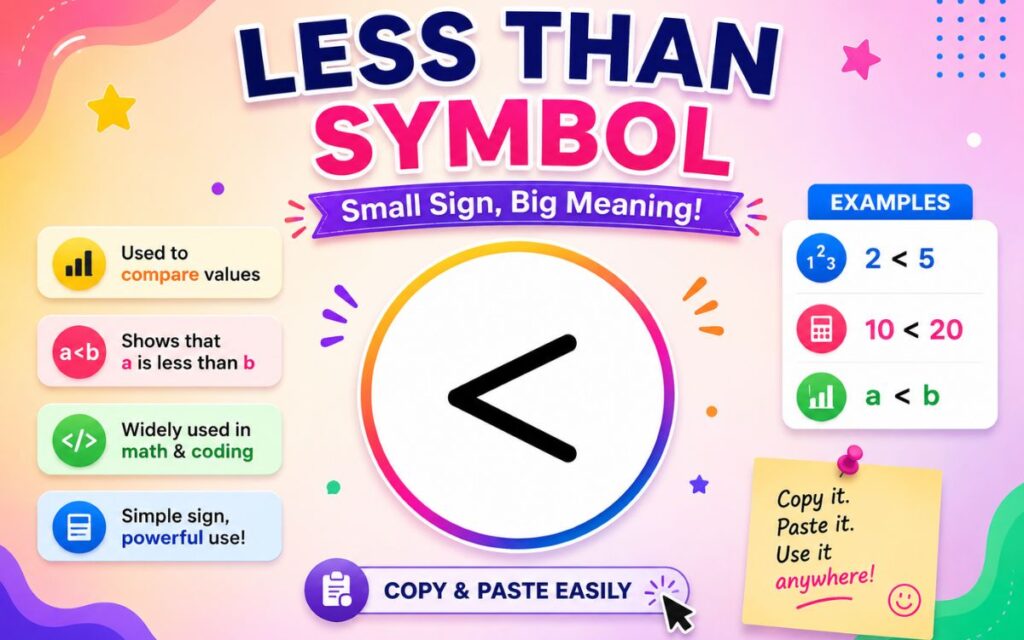
Less than symbol (<) is one of the very first math symbols kids learn, and it stays useful for life from solving algebra problems to writing Excel formulas. Yet plenty of people still second guess which way it points, or struggle to find it quickly on a keyboard.
This guide covers everything about the less than symbol in one place: what it means, how it works in math and Excel, real world examples, a worksheet style practice section, and every keyboard shortcut you’ll need. You’ll also find the less than or equal to symbol and the “not less than” sign, so you have the full picture in one spot.
Less Than Symbol Meaning
The less than symbol (<) is a mathematical sign used to show that the value on the left is smaller than the value on the right. It belongs to a group of characters called inequality symbols or comparison operators, since it compares two values instead of stating they’re equal.
Key facts about what it means:
- It’s read aloud as “is less than.”
- It shows a relationship between two numbers, not a fixed value on its own.
- It’s the mirror image of the greater than symbol (>).
- On a number line, the smaller value always sits to the left of the larger one.
Read Also This Blog: Greater Than Symbol
What Does The Less Than Symbol Look Like?
The less than symbol looks like an arrowhead pointing to the left: <. It can also be pictured as a capital letter “L” turned on its side, which is a handy way to remember its name, since “Less than” and “L” both start with the same letter.
A widely used classroom trick treats the symbol like a hungry alligator’s mouth. The alligator always wants to eat the bigger number, so its open mouth faces the larger value while the pointed end faces the smaller one.
For example:
- 3 < 8: The point faces 3, since 3 is the smaller number.
- -5 < 2: The point faces -5, since negative numbers are smaller than positive ones.
Less Than Symbol In Math
In mathematics, the less than symbol is used to compare two numbers, variables, or expressions, showing that one is smaller than the other.
Common ways it appears:
- x < 10 means x can be any value smaller than 10, not including 10 itself.
- 4 < 9 is a true numerical statement.
- In algebra, it defines inequalities used to describe a range of possible solutions.
- In interval notation, x < 0 describes every negative number.
Less Than And Equal To Symbol
The less than or equal to symbol (≤) combines the less than sign with an equal sign underneath it. It means a value is either smaller than or exactly equal to another value.
For example:
- x ≤ 6 means x can be 6, or any number smaller than 6.
- In Excel, spreadsheets, and most programming languages, this is written as two characters: <=
This is different from the plain less than symbol, which strictly excludes equality.
Less Than And Greater Than Symbol
The less than (<) and greater than (>) symbols are opposite comparisons and are almost always taught side by side.
| Symbol | Meaning | Example |
| < | Left value is smaller | 4 < 9 |
| > | Left value is bigger | 9 > 4 |
The easiest way to tell them apart: the symbol always points toward the smaller number, no matter which direction it’s facing.
Less Than And More Than Symbol
“More than” is simply another common way of saying “greater than,” so the less than and more than symbol pairing refers to the same two signs: < and >.
| Phrase | Symbol | Meaning |
| Less than | < | Smaller value |
| More than / Greater than | > | Larger value |
Both symbols are inequality signs used constantly in early math education, word problems, and everyday number comparisons.
Not Less Than Symbol
The not less than symbol (≮) shows that one value is not smaller than another, meaning it’s either greater than or equal to it. It’s written as a less than sign with a diagonal slash through it.
This symbol is uncommon in everyday math but appears in formal logic, set theory, and advanced proofs where precise negations matter.
Less Than Symbol On Keyboard
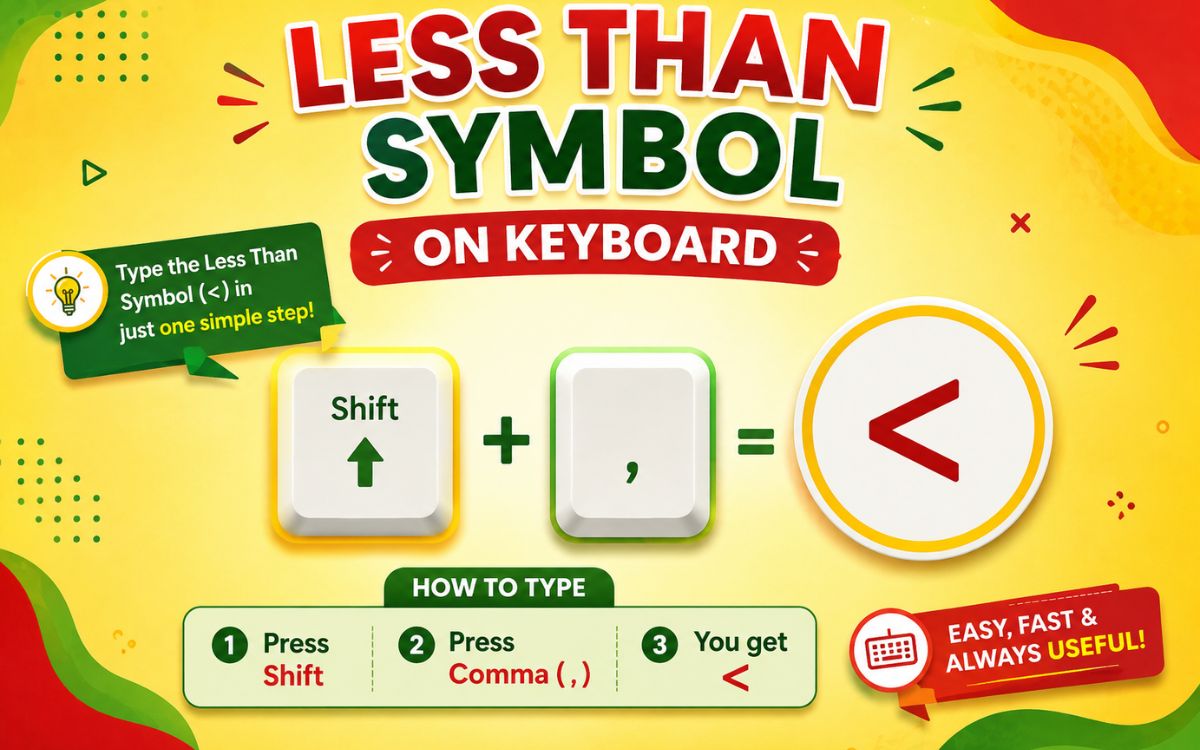
The less than symbol sits on every standard keyboard, sharing a key with the comma, so you don’t need any special app or code to type it.
| Device/OS | Shortcut | Notes |
| Windows/Mac (any app) | Shift + , (comma) | Standard method on QWERTY keyboards |
| Excel | Shift + , or type directly in formula | Recognized as a comparison operator |
| Word | Type directly, or Alt + 60 | Alt code method also works |
| iPhone/Android | Tap 123 or ?123, then symbols | Found on the numbers/symbols keyboard |
| HTML | < or < | For web pages |
| LaTeX | < (typed directly) | No special command needed |
How To Use Less Than Symbol?
Typing and using the less than symbol is simple once you know its location:
- Find the comma (,) key on your keyboard, the less than symbol shares this key.
- Hold Shift and press the comma key at the same time.
- The < symbol will appear wherever your cursor is placed.
- In Excel, spreadsheets, or coding environments, type it directly as part of your formula or comparison.
This works the same way across Windows, Mac, and most external keyboards paired with tablets or phones.
Less Than Symbol In Excel
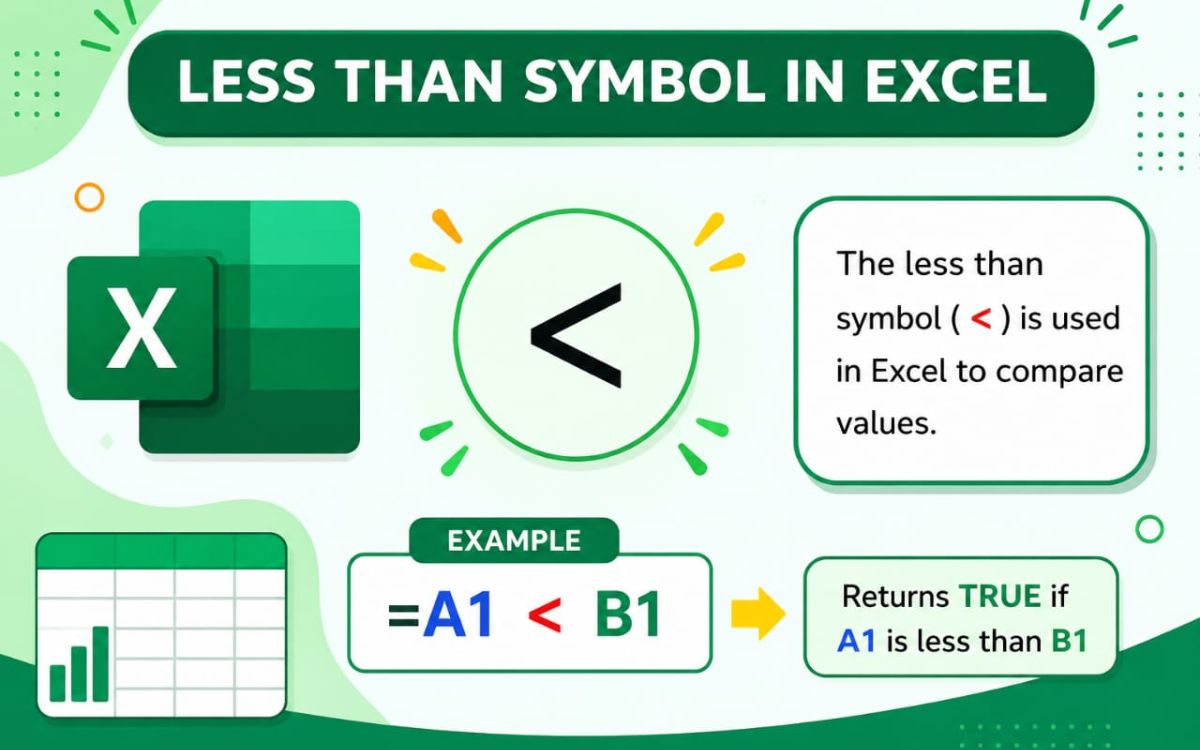
In Excel, the less than symbol works as a logical comparison operator, most often used inside formulas to check whether one value is smaller than another.
Common ways it’s used:
- =A1<B1: Returns TRUE if A1 is smaller than B1, otherwise FALSE.
- =IF(A1<10,”Low”,”High”): Returns “Low” if A1 is less than 10.
- COUNTIF(range,”<50″): Counts how many cells in a range are below 50.
- Conditional Formatting: Often uses the less than symbol to highlight values under a set threshold.
| Formula Example | What It Does |
| =A1<B1 | Checks if A1 is less than B1 |
| =A1<=B1 | Checks if A1 is less than or equal to B1 |
| =COUNTIF(A1:A10,”<100″) | Counts values less than 100 |
| =SUMIF(A1:A10,”<0″) | Sums only negative values |
To insert it directly in a cell or formula bar, simply press Shift + comma (,), it’s a standard character with no extra steps required.
Less Than Symbol Examples
Seeing the symbol in real, relatable situations makes it much easier to remember. Here are a few everyday comparisons:
- A backpack weighing 3 kg is less than one weighing 7 kg, written as 3 < 7.
- A student scoring 15 points has less than a student scoring 20 points, written as 15 < 20.
- A shelf holding 8 books has less than a shelf holding 14 books, written as 8 < 14.
- Saving $6 is less than saving $15, written as 6 < 15.
These simple, real-world comparisons help the concept click faster than abstract numbers alone, especially for younger learners.
Less Than Symbol Worksheet
Use these quick practice questions to test your understanding of the less than symbol. Fill in the correct symbol (< or >) between each pair of numbers.
- 5 ___ 9
- 12 ___ 4
- -3 ___ 2
- 20 ___ 20 (hint: think about equal to)
- 100 ___ 99
- -8 ___ -2
Answer key: 1) 5 < 9 2) 12 > 4 3) -3 < 2 4) use = instead, since they’re equal 5) 100 > 99 6) -8 < -2
This kind of quick drill is a great warm-up for classroom worksheets, homework practice, or refreshing your memory before a test.
Less Than Symbol Copy And Paste
If you’d rather skip typing shortcuts entirely, just copy the symbol you need directly from the table below.
| Symbol | Name |
| < | Less Than |
| ≤ | Less Than or Equal To |
| > | Greater Than |
| ≥ | Greater Than or Equal To |
| ≠ | Not Equal To |
| ≮ | Not Less Than |
To use it, highlight the symbol, copy it (Ctrl + C or Cmd + C), then paste it (Ctrl + V or Cmd + V) into your document, spreadsheet, or worksheet. This method works on any device without needing to memorize a shortcut.
Frequently Asked Questions
What does the less than symbol mean?
It shows that the value on the left is smaller than the value on the right, used to compare two numbers or expressions.
How do I remember which way the less than symbol points?
Picture it as a hungry alligator’s mouth , the open end always faces the bigger number, so the point faces the smaller one.
What is the keyboard shortcut for the less than symbol?
Press Shift + comma (,) on any standard keyboard to type the less than sign.
How do I type less than or equal to in Excel?
Type two characters together: <= directly in the formula bar or cell.
What’s the difference between < and ≤?
< means strictly less than, excluding equality, while ≤ means less than or equal to, including equality.
Can the less than symbol be used with negative numbers?
Yes for, example, -5 < -2 is true, since -5 sits further left on the number line and is therefore smaller.
Final Thoughts
The less than symbol is a small mark with a big role, showing up everywhere from grade school worksheets to Excel formulas and coding logic. Whether you’re comparing numbers, solving an inequality, or just need to copy and paste the symbol quickly, you now have every method, example, and shortcut covered in one place.
Save this guide for the next time you need a quick <, ≤, or ≠ : everything you need is right here.
