

A single tick mark can say more than a full sentence. Whether it’s confirming a completed task, approving a form, or marking the right answer on a quiz, the tick symbol (✓) is one of the most universally understood signs in the world.
This guide brings together everything you need in one place: copy-paste tick symbols, their history, how to insert them in Word and Excel, keyboard shortcuts, checkbox variations, and even the difference between a tick symbol and a stock market ticker symbol. Let’s get into it.
What Is a Tick Symbol?
A tick symbol also called a check mark or checkmark is a text character or emoji used to indicate that something is correct, approved, completed, or selected. It commonly appears in:
- Checklists and to do lists.
- Forms and surveys.
- Quiz and exam answers.
- Verified badges on social media.
- Approval workflows in documents and spreadsheets.
Tick symbols exist both as plain Unicode text characters (✓ ✔ √) and as colorful emoji (✅ ☑️), which display differently depending on your device.
History of the Tick Symbol
The tick mark has a surprisingly old backstory. One widely cited theory traces it back to ancient Rome, where the letter “V” short for veritas, meaning “true” was used to mark correct items on a list. Over time, as people wrote faster by hand, the right stroke of the V grew longer and the left stroke shortened, gradually forming the checkmark shape we recognize today.
In modern times, the tick symbol became standardized as a Unicode character, meaning it can now be typed, copied, and displayed consistently across computers, phones, and applications worldwide. It was formally added to the Unicode standard in the early 1990s and later became part of the emoji set, cementing its place in everyday digital communication.
Read Also This Blog: Beautiful Heart Symbol
Tick Symbol Text: Common Characters
Here are the most commonly used symbol characters and their Unicode names:
| Symbol | Name | Common Use |
| ✓ | Check Mark | General correctness or approval |
| ✔ | Heavy Check Mark | Bold confirmation, completed tasks |
| √ | Square Root Sign (used as tick) | Math contexts, informal ticks |
| 🗸 | Light Check Mark | Minimal, modern-style tick |
| ☑ | Ballot Box with Check | Selected checkbox |
| 🗹 | Ballot Box with Bold Check | Emphasized selected checkbox |
7+ Tick Symbols to Copy and Paste
Need a quick batch of tick symbols? Here’s a ready-to-use collection just copy and paste:
✓ ✔ √ 🗸 ☑ 🗹 ✅ ✔️ ☑️ ⭕
Each works across nearly every platform, including Word, Excel, Google Docs, WhatsApp, Instagram, and Discord.
Tick and Cross Symbol Combos
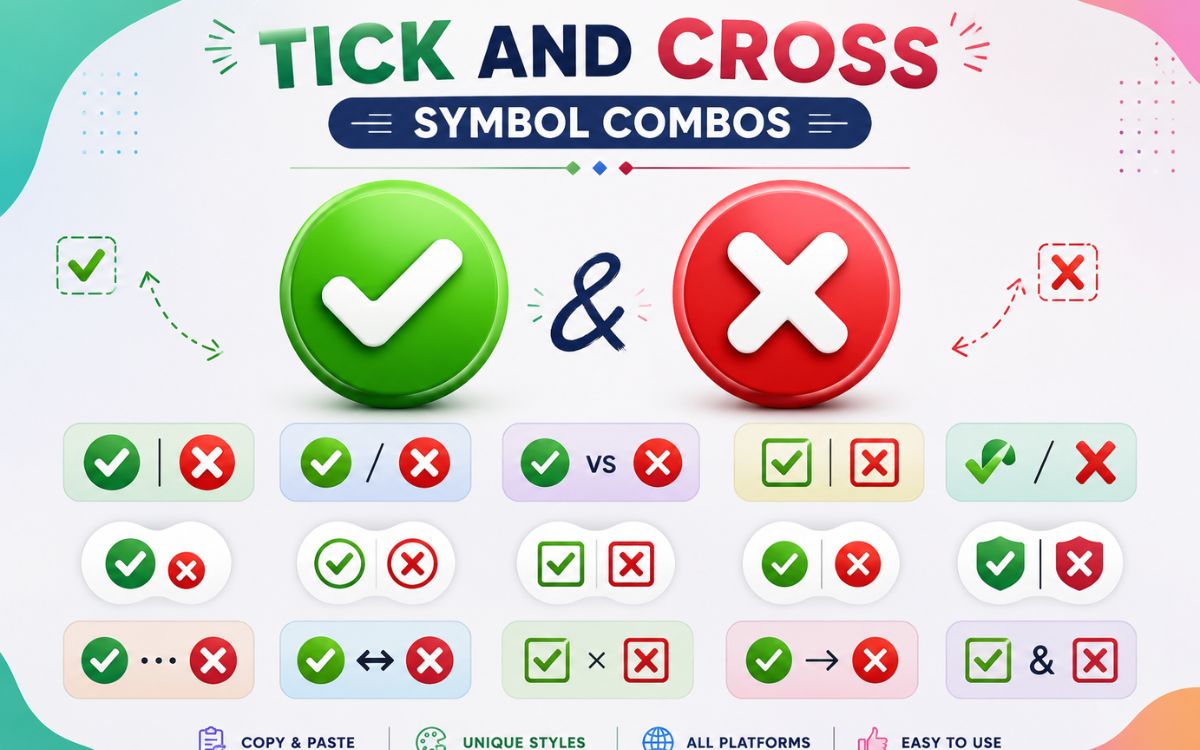
Ticks are often paired with cross marks to show a clear yes/no or right/wrong contrast especially useful in comparison tables, checklists, and forms.
| Tick Symbols | Cross Symbols |
| ✓ ✔ ✅ 🗸 | ✗ ✘ ❌ ✖ |
| ☑ 🗹 | ☒ ☓ |
Using a tick and cross together (✓ / ✗) makes structured content instantly easier to scan — which is exactly why they’re popular in comparison charts and pros-and-cons lists.
Checkbox Symbol Options
Checkbox symbols represent a selectable box, either empty or checked. These are handy for to-do lists, forms, and printable checklists.
- ☐ Empty checkbox (unchecked)
- ☑ Checked checkbox
- 🗹 Bold checked checkbox
- ☒ Checkbox with cross (rejected/incorrect)
What’s the difference between a tick symbol and a checkbox symbol?
A tick symbol is just the mark itself (✓), while a checkbox symbol includes the box around it (☑) — useful when you want to show a completed item inside a list format.
How to Insert a Symbol in Word
Microsoft Word offers several simple ways to add a tick symbol:
- Place your cursor where you want the tick.
- Type 2713, then press Alt + X , this converts the code into a ✓ symbol.
- Alternatively, go to Insert > Symbol > More Symbols, search for “check mark,” and click Insert.
- For a bold tick (✔), use code 2714 followed by Alt + X.
How do I get the right tick symbol in Word specifically?
Type the character code 2713, then press Alt + X immediately after. Word will auto convert it into the correct ✓ tick symbol.
How do I insert a box with symbol in Word?
Go to Insert > Symbol, choose the Wingdings font, and look for the checked box character (usually near code 0x00FE). Click to insert a box with a tick already inside it.
How to Insert a Symbol in Excel
Excel handles tick symbols a little differently since it’s built for data and formulas:
- Use the formula =CHAR(252) with the font set to Wingdings to display a tick symbol.
- Alternatively, go to Insert > Symbol, select the Wingdings font, and choose the check mark character.
- For conditional formatting (like auto-ticking completed tasks), combine =CHAR(252) with an IF formula, such as =IF(A1=”Done”, CHAR(252), “”).
Tick Symbol on Keyboard and Shortcuts
Different systems use different shortcuts to type a tick symbol directly from the keyboard.
| Platform | Shortcut |
| Windows (Alt code) | Alt + 251 for √ |
| Windows (Word) | Type 2713, then Alt + X |
| Mac | Option + V for √ |
| Excel (Wingdings) | =CHAR(252) |
| Mobile/Emoji keyboard | Search “check mark” in the emoji picker |
Is there a single universal shortcut for the symbol?
No , the shortcut depends on the platform and application, so it’s usually faster to copy and paste the symbol directly from a reference page like this one.
Blue, Green, and Black Tick Symbols
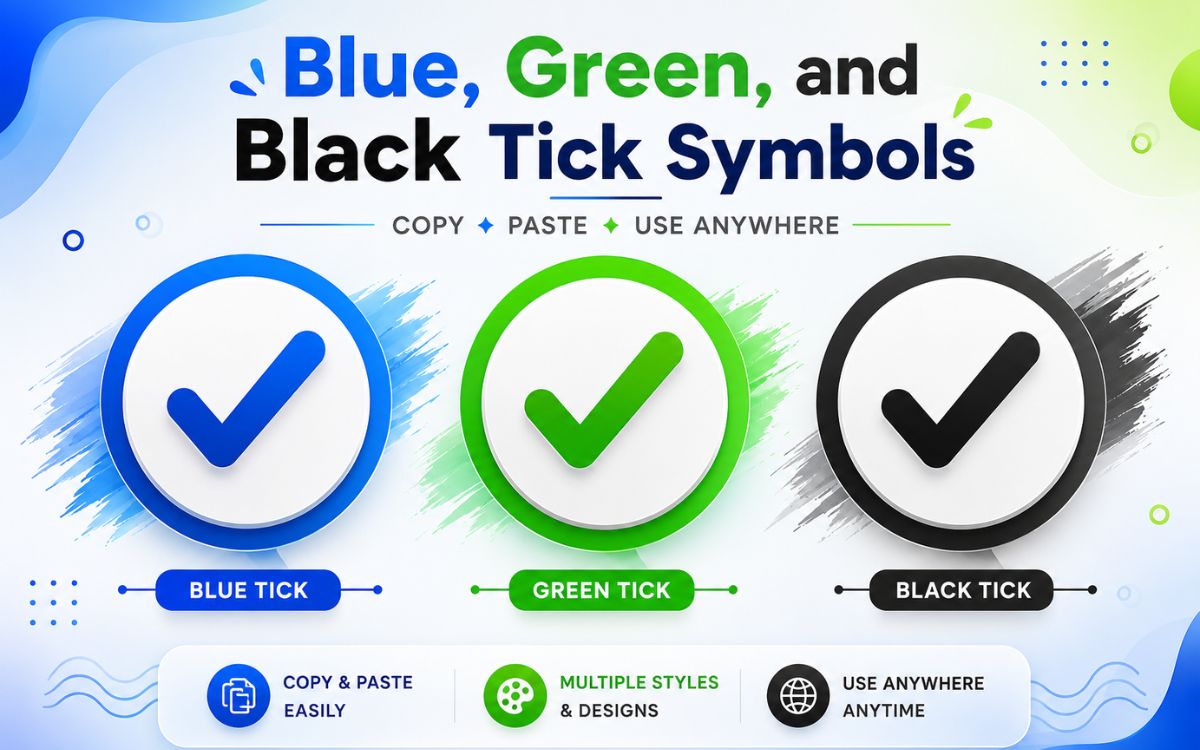
Colored tick symbols carry slightly different meanings depending on where they appear:
- ✅ Green Tick: The most common version, used for “done,” “correct,” or “approved” across apps like WhatsApp and Google Forms.
- ☑️ Blue Tick: Often associated with verification badges on social media platforms, signaling a confirmed or authenticated account.
- 🖤 Black Tick: A plain, minimal-style tick (✓ or ✔ in black text) commonly used in documents, printed forms, and professional reports where color isn’t needed.
| Color | Typical Meaning |
| Green ✅ | Success, completed, correct |
| Blue ☑️ | Verified, confirmed identity |
| Black ✓ | Neutral, formal, document use |
Tick Symbol PNG and Images
If you need a tick mark as an actual image file rather than text for presentations, printables, or design work look for:
- Transparent PNG check mark icons from free icon libraries
- Vector SVG ticks for resizing without quality loss
- High-resolution exports of emoji-style ticks (✅) for graphic design
For everyday digital use like documents, forms, and chats, the copy paste text and emoji versions above are usually the faster option.
Ticker Symbol: A Different Kind of “Tick”
It’s easy to confuse “tick symbol” with “ticker symbol,” but they’re completely different things.
A ticker symbol (also called a stock symbol) is a unique series of letters assigned to a publicly traded company or asset so it can be identified on a stock exchange nothing to do with checkmarks at all.
| Asset | Common Ticker Symbol |
| SpaceX | SPCX (Nasdaq) |
| Gold (spot price) | XAU |
| Gold ETF | GLD |
| Silver (spot price) | XAG |
| Silver ETF | SLV |
| S&P 500 Index | SPX (also shown as ^GSPC on some platforms) |
| S&P 500 ETF | SPY |
What is the ticker symbol for SpaceX?
SpaceX trades on the Nasdaq under the ticker symbol SPCX following its 2026 IPO.
What is the ticker symbol for gold?
Gold is commonly tracked under the symbol XAU for spot price, while the popular gold ETF trades under GLD.
What is the ticker symbol for silver?
Silver’s spot price ticker is XAG, and the most traded silver ETF uses the symbol SLV.
What is the ticker symbol for the S&P 500?
The S&P 500 index is typically shown as SPX, while its most popular tracking ETF trades under the symbol SPY.
Quick Reference: Tick Symbols vs Ticker Symbols
| Term | Meaning | Example |
| Tick Symbol | A checkmark used to show correctness or completion | ✓ ✔ ✅ |
| Ticker Symbol | A stock market code identifying a tradable asset | SPCX, GLD, SPY |
Conclusion
The tick symbol may look simple, but it carries centuries of history and plays a huge role in how we communicate approval, completion, and correctness today. From typing a quick ✓ in a Word document to formatting checklists in Excel, or picking the right colored tick for social proof, there’s a version for every situation. And now that you know the difference between a tick symbol and a ticker symbol, you’ll never mix up a checkmark with a stock code again.
Bookmark this page so you always have a full tick symbol collection ready to copy and paste whenever you need one.
FAQs
What does the tick symbol mean?
It generally means something is correct, approved, completed, or selected, depending on the context it’s used in.
How do I copy and paste a tick symbol?
Simply select the tick symbol from a reference list, copy it, and paste it into your document, chat, or form.
What is the shortcut for a tick symbol in Word?
Type 2713 and press Alt + X to instantly convert it into a ✓ tick symbol.
Is a checkmark the same as a tick?
Yes, “checkmark” and “tick” are used interchangeably to describe the same ✓-shaped symbol.
Why does a tick sometimes mean “wrong” in some countries?
In a few regions, like parts of Scandinavia, a tick mark has historically been used to indicate an error rather than correctness, which is the opposite of its common global meaning.
What is a ticker symbol used for?
A ticker symbol identifies a specific stock, ETF, or asset on a financial exchange, making it easy to look up and trade.
Can I use tick symbols in Excel formulas?
Yes, using =CHAR(252) with the Wingdings font displays a tick symbol, which can also be combined with IF formulas for automatic checkmarks.
