

Social media symbols are everywhere. You see them on Instagram bios, Facebook posts, Twitter (X) profiles, and even on business cards. They grab attention faster than plain text and make your content look polished without any design skills.
If you have ever wondered where to find the best social media symbols, what they mean, or how to copy and paste them in seconds, this guide covers everything. From platform icons to text based symbols, fonts, PNG files, and vector graphics, you will find a complete collection here.
Let us break it all down in a simple, easy to follow way.
What Is a Social Media Symbol?
A social media symbol is a small graphic, icon, or character used to represent a social platform, an action, or an emotion online. 🎯
These symbols include:
- Platform logos like the Instagram camera or the X bird replacement logo 📱
- Action icons like the heart, share, or comment symbol ❤️
- Text based characters like arrows, stars, and checkmarks ✔️
- Verified badges that confirm authenticity ✅
People use social media symbols to make bios more attractive, highlight platform links, decorate captions, and improve the overall look of a profile. Businesses also use them on websites, email signatures, and printed materials like business cards.
Unlike full sized logos, most symbols can be copied and pasted directly from a webpage into any app. No downloading, no design software, and no technical skill required.
Read Also This Blog: Parentheses Symbol
Why Social Media Symbols Matter
Social media symbols are not just decoration. They serve a real purpose. 💡
Here is why creators, marketers, and everyday users rely on them:
- They save space while communicating a clear message 📐
- They increase visual appeal in bios, captions, and posts 🎨
- They help followers instantly recognize which platform you are on 🔍
- They build brand recognition when used consistently 🏆
- They boost click through rates on links and buttons 📈
A profile with a clean row of symbols pointing to Instagram, YouTube, and LinkedIn looks far more professional than one with plain text links.
Types of Social Media Symbols
There are several categories of social media symbols. Knowing the difference helps you pick the right one for your needs.
Platform Icons
These represent specific social networks. Common examples include the Facebook “f”, the Instagram camera outline, the YouTube play button, the LinkedIn “in”, and the TikTok music note. 🎵
Emoji Style Symbols
These are colorful, universally recognized icons like 📸 📷 💬 📱 🔔 that work on almost every device and app.
Text Based Symbols
These are simple Unicode characters such as arrows, stars, and bullets. They are lightweight and load fast even on slow connections. ⭐
Verified Checkmark Symbols
These confirm authenticity and trust, similar to the blue verification badge used across major platforms. ✔️
Social Media Symbols Copy And Paste
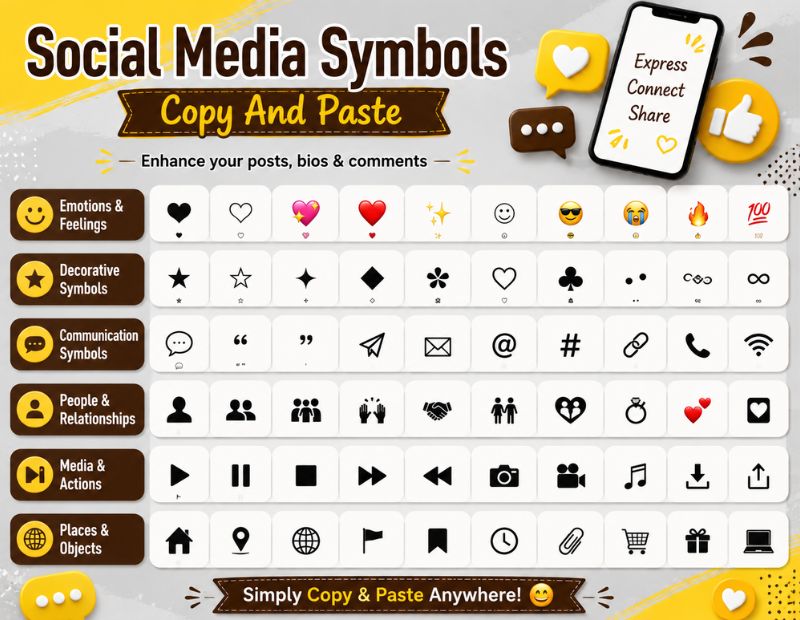
The fastest way to use a social media symbol is to copy it directly. No apps, no fonts, no installation.
Simply highlight the symbol below, copy it, and paste it wherever you need.
| Symbol | Name | Common Use |
|---|---|---|
| ❤️ | Heart | Likes, love reactions |
| ★ | Star | Ratings, highlights |
| ✔️ | Checkmark | Verified accounts |
| 📷 | Camera | Instagram, photo posts |
| ▶️ | Play Button | YouTube, video content |
| 💬 | Speech Bubble | Comments, chat |
| 🔔 | Bell | Notifications |
| 📌 | Pin | Pinterest, saved posts |
| ✉️ | Envelope | Messages, email |
| 🔗 | Link | Website links, bio links |
| ➤ | Arrow | Call to action |
| • | Bullet | List separators |
| ™ | Trademark | Branding |
| © | Copyright | Content ownership |
| ✓ | Tick | Task completion |
Most of these symbols work seamlessly across Instagram, Facebook, Twitter (X), LinkedIn, and TikTok bios.
Social Media Symbols Font
Beyond plain symbols, many people search for stylish fonts to make their bio or captions stand out. These are technically Unicode character sets, not real fonts, but they render as unique text styles. 🖋️
Popular styles include:
- 𝐁𝐨𝐥𝐝 𝐭𝐞𝐱𝐭 for emphasis 💪
- 𝘐𝘵𝘢𝘭𝘪𝘤 𝘵𝘦𝘹𝘵 for a softer tone ✍️
- Ⓒⓘⓡⓒⓛⓔ⓭ ⓛⓔⓣⓣⓔⓡ⓼ for a playful look 🔵
- 𝓒𝓾𝓻𝓼𝓲𝓿𝓮 𝓼𝓬𝓻𝓲𝓹𝓽 for elegant bios ✨
- 𝔊𝔬𝔱𝔥𝔦𝔠 𝔰𝔱𝔶𝔩𝔢 for a bold aesthetic 🖤
These fonts work because Unicode assigns different code points to letters that visually resemble the alphabet. You can copy them the same way as symbols, then paste them into any bio or caption box.
Social Media Icons Free Download
If you need icons for a website, app, or design project instead of copy paste characters, downloadable icon packs are the better option. 📥
When choosing where to download social media icons, look for:
- High resolution files (SVG, PNG, or ICO) 🖼️
- A commercial use license if the project is for business 📄
- Multiple color and style variations 🎨
- Regularly updated packs that include newer platforms like Threads and BeReal 🔄
Free icon libraries usually offer both flat and outlined styles, so you can match your existing branding.
Social Media Icons Vector
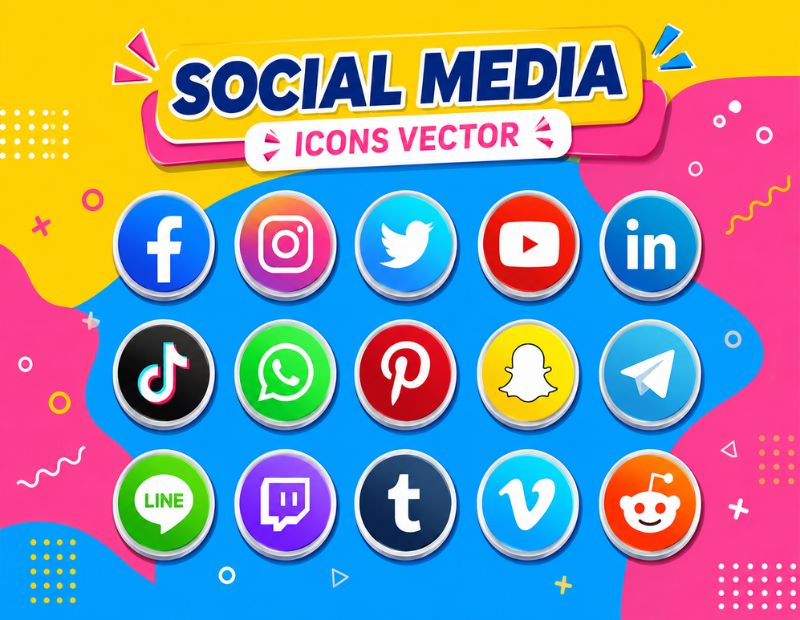
Vector icons are the professional choice for designers because they scale to any size without losing quality. Whether you need a tiny favicon or a massive billboard graphic, vector files stay sharp. 📐
Common vector formats include:
- SVG – best for websites and app interfaces 🌐
- EPS – ideal for print design and packaging 🖨️
- AI – editable in Adobe Illustrator for custom branding 🎨
- PDF – useful for sharing print ready assets 📑
Vector social media icons are especially useful for agencies and brands that need consistent, resizable graphics across multiple platforms.
Social Media Symbols PNG
PNG format is the most common choice for quick, everyday use because it supports transparent backgrounds and works well on both light and dark designs. 🖼️
PNG social media symbols are ideal for:
- Website footers and headers 🧩
- Email signatures 📧
- Presentation slides 📊
- Blog graphics and banners 🖌️
Unlike vector files, PNGs are not infinitely scalable, so always download a size slightly larger than what you need.
15 Social Media Symbols With Names
Here is a quick reference table with fifteen widely recognized social media symbols and their common names.
| # | Symbol Name | Platform or Use |
|---|---|---|
| 1 | Camera Icon | Instagram 📷 |
| 2 | Bird Icon (Legacy) | Twitter 🐦 |
| 3 | X Logo | X (formerly Twitter) ✖️ |
| 4 | Play Button | YouTube ▶️ |
| 5 | Ghost Icon | Snapchat 👻 |
| 6 | Music Note | TikTok 🎵 |
| 7 | Pin Icon | Pinterest 📌 |
| 8 | “in” Logo | LinkedIn 💼 |
| 9 | “f” Logo | Facebook 🅵 |
| 10 | Speech Bubble | Messenger 💬 |
| 11 | Chain Link | Bio link tools 🔗 |
| 12 | Heart | Likes and reactions ❤️ |
| 13 | Bell | Notifications 🔔 |
| 14 | Verified Badge | Authenticity ✅ |
| 15 | Share Arrow | Reposting 📤 |
Social Media Symbols Images
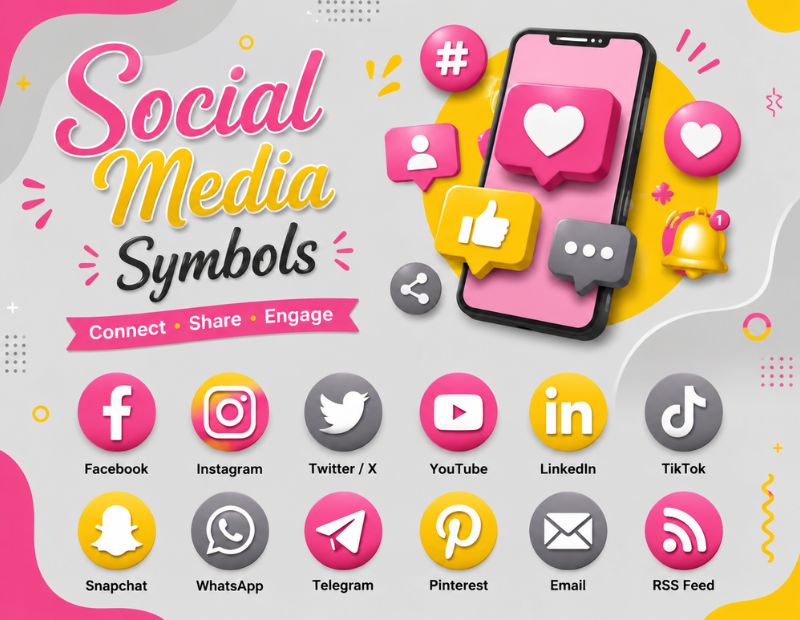
When symbols alone are not enough, image based icons add extra visual weight to designs. These are static image files rather than copy paste text characters. 🖼️
Image based social media symbols are commonly used in:
- Infographics that explain platform statistics 📊
- Marketing brochures and flyers 📰
- App onboarding screens 📱
- YouTube thumbnails and end screens 🎬
Search engines index these images too, so adding descriptive alt text like “Instagram camera icon” helps with search visibility.
Social Media Symbols In NYT Crossword
Interestingly, “social media symbol” phrases occasionally appear as New York Times crossword clues. Common crossword answers linked to this theme include words like HASHTAG, EMOJI, LIKE, HANDLE, and AT SIGN. 🧩
The hashtag symbol (#) in particular is a frequent crossword answer because it doubles as both a punctuation mark and a core social media feature used for categorizing posts.
If you enjoy word puzzles, keep an eye out for clues referencing “trending topic marker” or “Instagram tag symbol,” since these usually point to the hashtag.
List Of Common Social Media Symbols
Below is a simple list of symbols you will see most often across profiles, bios, and posts.
- Hashtag, used for trending topics 🏷️
- @ At sign, used for tagging and handles 👤
- ❤️ Heart, used for likes 💗
- ▶️ Play button, used for video 🎬
- 💬 Comment bubble, used for replies 🗨️
- 🔁 Repost or retweet arrow, used for sharing 🔄
- 📌 Pin, used for saved or highlighted content 📍
- ✔️ Checkmark, used for verification 🎖️
- 🔗 Link, used for external websites 🌍
- 🔔 Bell, used for notifications 🔊
Most Popular Social Media Symbols
Some symbols appear far more often than others because they match the biggest platforms and the most common actions users take. 🔝
The most searched and used social media symbols include:
- The heart symbol for likes across almost every app ❤️
- The hashtag for organizing and discovering content #️⃣
- The camera icon representing Instagram 📷
- The play button representing YouTube and video platforms ▶️
- The verified checkmark showing trust and authenticity ✔️
- The bell icon representing alerts and updates 🔔
These symbols dominate because they are simple, instantly recognizable, and consistent across devices and operating systems.
Social Media Symbols For Business Card
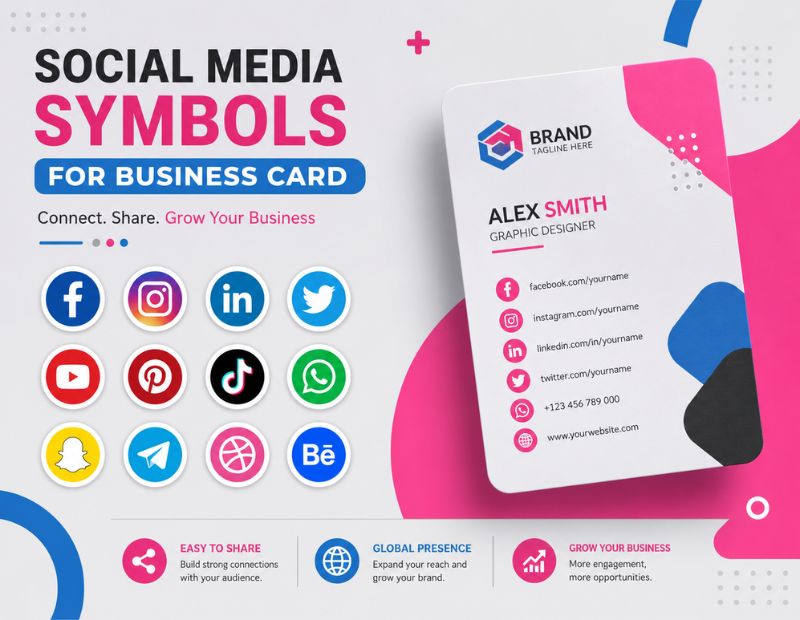
Adding social media symbols to a business card is one of the easiest ways to connect offline networking with your online presence. 💼
Best practices for using social media symbols on business cards include:
- Choosing simple, high contrast icons that print clearly 🖨️
- Limiting icons to two or three key platforms only 🎯
- Matching icon color with your brand palette 🎨
- Placing icons near your name or contact details for easy scanning 👀
- Using vector files so the print stays sharp at any size 📐
A clean row of Instagram, LinkedIn, and website icons at the bottom of a card looks modern and professional without cluttering the design.
How To Copy And Paste Social Media Symbols?
Using social media symbols is simple, even if you are not tech savvy. Follow these steps:
- Find the symbol you want from a table or list like the ones above 🔍
- Highlight it by double clicking or dragging your cursor over it 🖱️
- Copy it using Ctrl+C on Windows or Cmd+C on Mac ⌨️
- Paste it into your bio, caption, or design using Ctrl+V or Cmd+V 📋
- Preview it on the actual platform, since rendering can vary slightly between apps 👁️
On mobile devices, press and hold the symbol instead of clicking, then choose copy from the popup menu, and paste the same way into your app.
Comparison Table: Symbol Formats At A Glance
| Format | Best For | Scalable | File Needed |
|---|---|---|---|
| Unicode Symbol | Bios, captions, quick text | Not applicable | No file, copy paste ✂️ |
| PNG | Websites, emails, banners | Limited | Yes, image file 🖼️ |
| SVG or Vector | Logos, print, branding | Fully scalable | Yes, vector file 📐 |
| Emoji | Casual posts, comments | Not applicable | No file, built into keyboard ⌨️ |
Conclusion
Social media symbols make your online presence more visual, more memorable, and easier to navigate. Whether you need a quick copy and paste heart for a caption, a vector icon for a client logo, or a PNG for your website footer, there is a format that fits every situation.
From platform icons and fancy fonts to business card design tips, this guide covered the full picture of how social media symbols work and where to use them. Bookmark this page so you always have a quick reference the next time you need the perfect symbol.
FAQs
What is the fastest way to copy a social media symbol?
Highlight the symbol, copy it with Ctrl+C or Cmd+C, then paste it directly into your app or bio.
Are social media symbols the same as emojis?
Not always. Symbols are often plain Unicode characters, while emojis are colorful graphics rendered by the device.
Can I use social media symbols on every platform?
Most symbols work across Instagram, Facebook, X, LinkedIn, and TikTok, though rendering may vary slightly by device.
Where can I find free social media icons for commercial use?
Many icon libraries offer free downloads, but always check the license before using them in paid projects.
What is the difference between PNG and vector icons?
PNG files are fixed size images, while vector files like SVG scale to any size without losing quality.
Why does the hashtag appear in NYT crossword puzzles?
The hashtag is a well known social media symbol used for trending topics, making it a common and recognizable crossword answer.
Should I add social media symbols to my business card?
Yes, a few well chosen icons make it easy for contacts to find and follow you online after meeting in person.
