

If you’ve ever typed a price list, an invoice, or a quick email and hit a wall trying to find the euro sign on your keyboard, you’re not alone. The € symbol doesn’t sit on every keyboard layout, which is exactly why so many people search for a fast way to copy and paste it instead of hunting through menus.
This guide covers everything you need: the euro symbol ready to copy, keyboard shortcuts for Windows, Mac, and mobile, HTML and Unicode codes for developers, and answers to the questions people ask most about typing € correctly.
Euro Symbol Copy And Paste
Here’s the euro symbol on its own just select it and copy (Ctrl+C or Cmd+C):
€
You can paste this directly into documents, spreadsheets, social media posts, product listings, or code. Below are a few common variations and related currency style symbols people also copy and paste alongside the euro sign:
| Symbol | Name | Common Use |
| € | Euro Sign | Standard currency symbol |
| 💶 | Euro Banknote Emoji | Social media, messaging apps |
| ₠ | Euro-Currency Sign | Predecessor symbol, rarely used today |
| Ɛ | Stylized E variant | Design and branding contexts |
| EUR | ISO Currency Code | Banking, finance, official documents |
If you’re building a collection of currency symbols for a project, you can pair € with other widely used signs like £, $, ¥, and ₹ for a complete international pricing table.
Euro Symbol In English
In English speaking countries, the euro symbol is written as € and typically placed before the number, similar to how the dollar sign is used. For example:
- €50 (fifty euros)
- €1,250.00
This differs from many European conventions, where the symbol often follows the number instead (e.g., 50 €). Both formats are widely recognized, but English style guides including most UK and US publications generally recommend placing € before the figure for consistency with other currency symbols.
Read Also This Blog: Amazing Birthday Symbols
German Euro Symbol
In Germany and other German-speaking regions, the euro symbol usually comes after the amount, separated by a space or comma depending on formatting rules:
- 50 € (fifty euros)
- 12,99 € (using a comma as the decimal separator)
On a German (QWERTZ) keyboard, typing € is straightforward:
AltGr + E
This shortcut works on most German Windows and Linux keyboard layouts without needing any special software. Mac users on a German layout can typically use Alt + Shift + 2 or a similar combination depending on macOS version and region settings.
Euro Symbol Text
Sometimes you don’t want the graphical € symbol. You want a plain text version that works across every platform, font, and encoding. The safest plain-text alternatives are:
- EUR: The official ISO 4217 currency code
- Euro; The spelled-out word
These are useful in situations where special characters might not render correctly, such as older software, certain email clients, or plain text files. When in doubt, EUR is the most universally compatible choice for currency labeling in text only environments.
Pound Symbol
The pound symbol £ represents the British pound sterling (GBP), the official currency of the United Kingdom. Like the euro, it has its own dedicated Unicode character and keyboard shortcuts:
- Windows: Alt + 0163
- Mac: Option + 3
- HTML: £ or £
Pound Vs Euro Symbols
People frequently confuse or compare these two currency symbols since both are common across Europe. Here’s a quick side-by-side comparison:
| Feature | Euro (€) | Pound (£) |
| Currency | Euro | British Pound Sterling |
| Used in | 20 Eurozone countries | United Kingdom |
| Unicode | U+20AC | U+00A3 |
| Windows Shortcut | Alt + 0128 | Alt + 0163 |
| Mac Shortcut | Option + Shift + 2 | Option + 3 |
| HTML Entity | € | £ |
| Position | Before or after number | Always before number |
Both symbols are officially recognized currency signs and appear on most modern keyboard layouts, though positioning and availability vary by region and device.
Euro Symbol Currency
The euro (€) is the official currency of the Eurozone, used by 20 of the 27 European Union member states. It’s the second most traded currency in the world after the US dollar, making the € symbol one of the most frequently typed currency characters globally , right alongside the dollar sign.
The euro sign itself was introduced in 1999 and officially unveiled by the European Commission in 1996. Its design draws from the Greek letter epsilon (ε), representing the cradle of European civilization, with two parallel lines symbolizing the currency’s stability.
Euro Symbol Money
When referring to money in euros, the € symbol is used consistently across banking, retail, and financial documentation throughout the Eurozone. A few formatting conventions worth knowing:
- Prices in retail (e.g., France, Italy, Spain): 19,99 €
- Prices in digital platforms and English content: €19.99
- Accounting and invoices: often uses “EUR” for clarity in international transactions
Getting this formatting right matters for anything customer-facing, from e-commerce listings to financial reports, since inconsistent currency formatting can look unprofessional or confuse international buyers.
Euro Symbol Mac
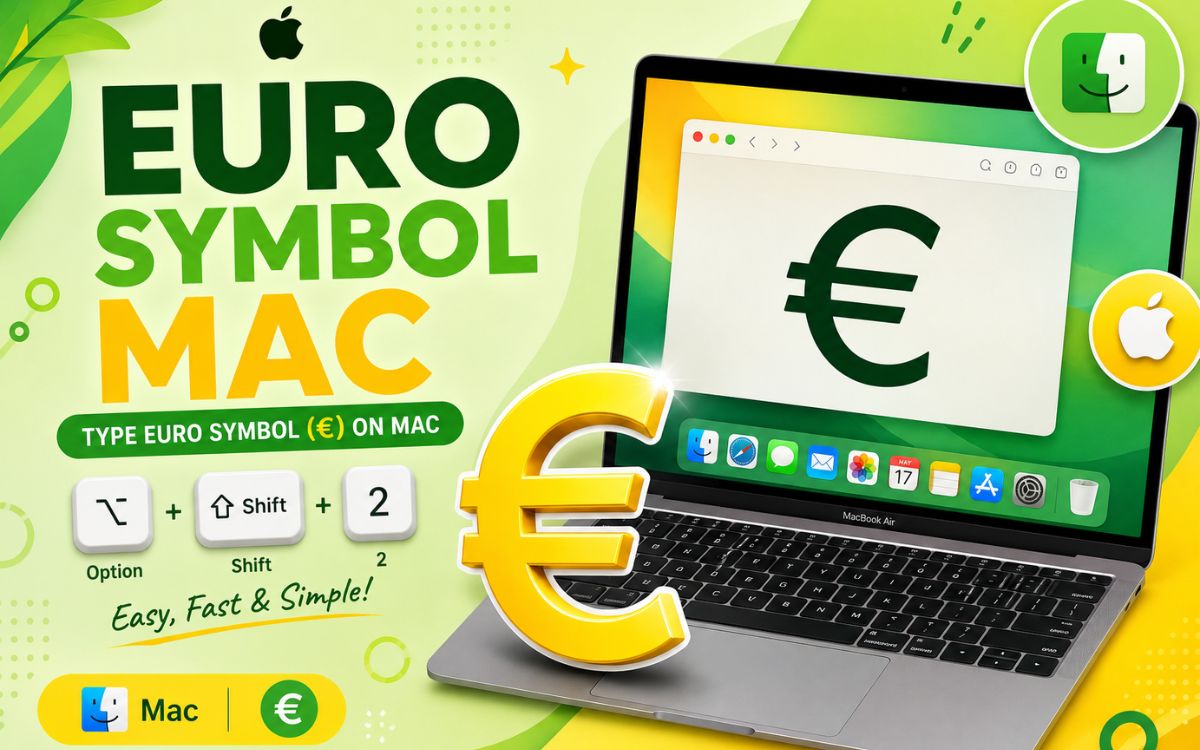
Mac users have a simple built-in shortcut for typing the euro symbol without copying and pasting:
Option (⌥) + Shift + 2
This works on most US and international Mac keyboard layouts. If your Mac is set to a European layout, the shortcut can vary slightly:
| Mac Keyboard Layout | Shortcut |
| US | Option + Shift + 2 |
| UK | Option + 2 |
| German | Option + Shift + 2 or Alt + 2 |
| Spanish | Option + E |
If none of these work, you can always fall back on the Mac’s built-in Character Viewer: press Control + Command + Space, search “euro,” and double-click the symbol to insert it.
How To Type a Euro Symbol?
There are several reliable ways to type € depending on your device and operating system. Here’s a quick step-by-step breakdown:
- Windows (Alt code): Hold Alt and type 0128 on the numeric keypad, then release.
- Windows (International layout): Press Ctrl + Alt + E or AltGr + E, depending on your keyboard.
- Mac: Press Option + Shift + 2.
- Linux: Press AltGr + E on most layouts, or use the Unicode input method Ctrl + Shift + U, 20AC.
- Mobile (iOS/Android): Long press the $ or 0 key on the number keyboard to reveal currency symbol options, including €.
- Word/Google Docs: Go to Insert → Symbol, search “euro,” and select the € character.
- Any device: Simply copy and paste the € symbol from this page.
Euro Symbol Shortcut
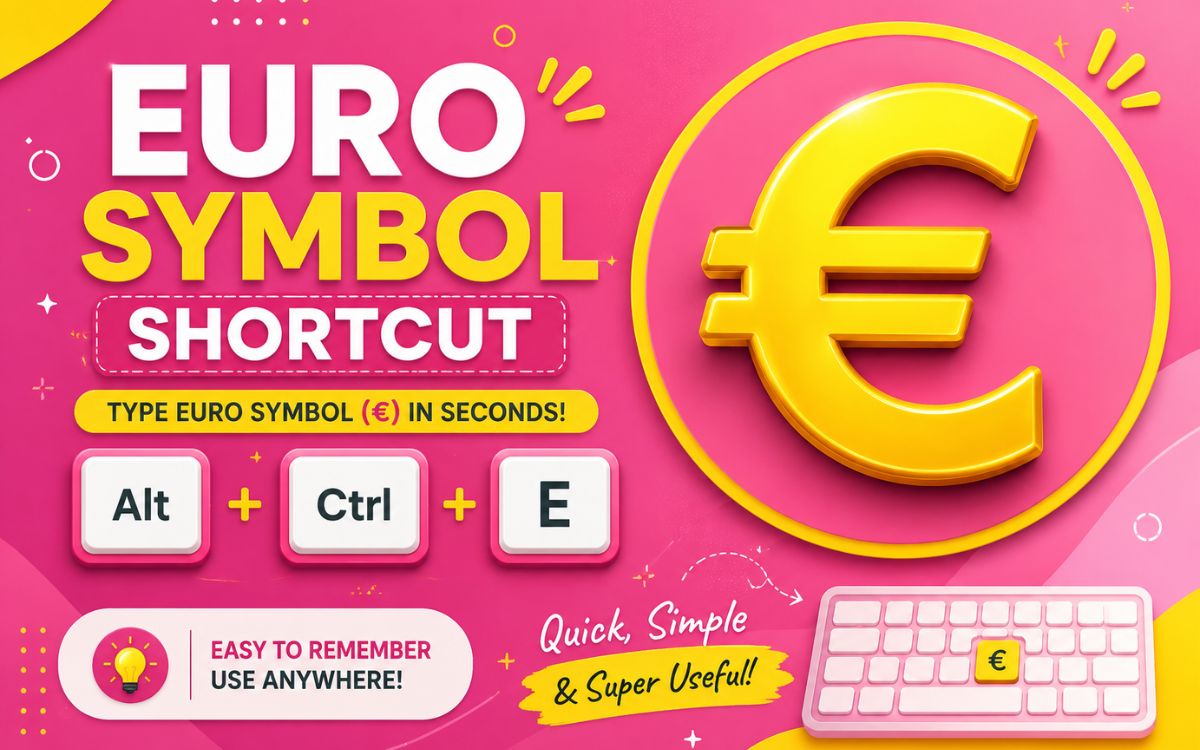
For quick reference, here’s a summary table of every major euro symbol shortcut across platforms:
| Platform | Shortcut |
| Windows (Numpad) | Alt + 0128 |
| Windows (International) | Ctrl + Alt + E |
| Mac | Option + Shift + 2 |
| Linux | AltGr + E |
| HTML Entity | € |
| HTML Decimal Code | € |
| HTML Hex Code | € |
| CSS Unicode | \20AC |
| Unicode | U+20AC |
Developers working with HTML or CSS can use any of the codes above to render the euro symbol reliably across browsers, regardless of the visitor’s keyboard layout or operating system.
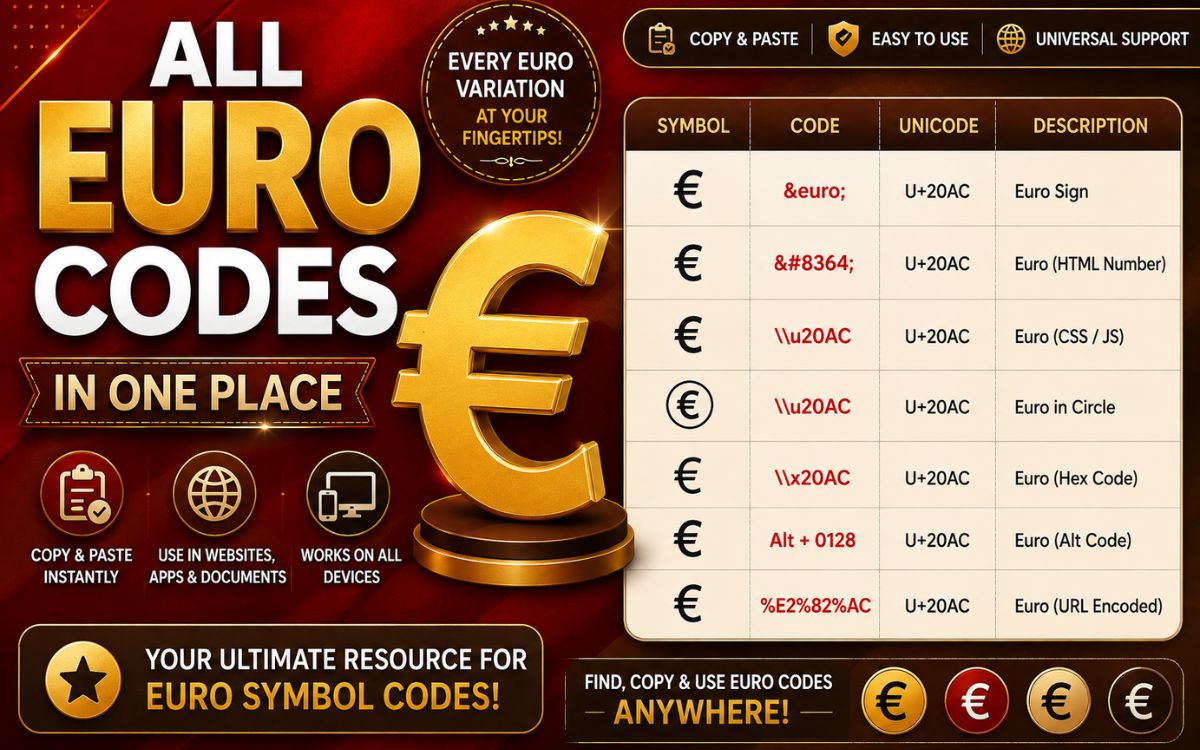
Quick Reference: All Euro Codes in One Place
| Format | Code |
| Unicode | U+20AC |
| HTML Entity | € |
| HTML Decimal | € |
| HTML Hex | € |
| UTF-8 Bytes | E2 82 AC |
| Alt Code (Windows) | 0128 |
Conclusion
Typing the euro symbol doesn’t need to be complicated once you know the right shortcut for your device or you can simply copy and paste it whenever you need it. Whether you’re formatting prices for an English speaking audience, working with a German keyboard layout, coding a website, or just sending a quick message, this page gives you every method covered: keyboard shortcuts, Unicode, HTML codes, and ready-to-copy symbols. Bookmark this page so the € symbol is always one click away.
FAQs
What is the euro symbol?
The euro symbol (€) is the official currency sign for the euro, used across 20 Eurozone countries and represented in Unicode as U+20AC.
How do I type the euro symbol on Windows?
Hold Alt and type 0128 on the numeric keypad, or use Ctrl + Alt + E depending on your keyboard layout.
How do I type the euro symbol on a Mac?
Press Option + Shift + 2 on most Mac keyboard layouts to insert the € symbol.
What is the HTML code for the euro symbol?
You can use €, the decimal code €, or the hex code € in HTML.
Does the euro symbol go before or after the number?
In English, € typically goes before the number (€50); in many European countries, including Germany, it follows the number (50 €).
Can I just copy and paste the euro symbol?
Yes, simply select the € symbol from this page and paste it wherever you need it using Ctrl+V or Cmd+V.
What’s the difference between € and EUR?
€ is the graphical currency symbol, while EUR is the official three-letter ISO 4217 currency code used in banking and finance.
