

Arrows are one of the most underrated tools in digital writing. A single glyph like ➜ or ↻ can replace an entire sentence, guide a reader’s eye, or turn a boring caption into something that actually looks designed. Whether you’re formatting an Instagram bio, building a Discord server, writing a resume, or just texting a friend, the right arrow sign adds instant polish without adding extra words.
Below is a complete, ready to use collection of stylish arrow signs, organized by type, so you can find and copy the exact symbol you need in seconds no font installs, no apps, no hassle.
What Are Stylish Arrow Signs?
Stylish arrow signs are Unicode text characters that visually point in a direction: left, right, up, down, or diagonally without needing an image or emoji file. Because they’re plain text, they work almost anywhere: bios, captions, chat apps, spreadsheets, presentations, and even code comments.
Unlike a picture of an arrow, a Unicode arrow behaves like a letter. It inherits the color, size, and font weight of the surrounding text, which means it never looks out of place. That’s why you’ll see arrows used to:
- Point followers toward a bio link or pinned post
- Show a process or sequence, like Draft → Review → Publish
- Separate menu items or navigation labels (Home ➤ About ➤ Contact)
- Add a decorative flourish to usernames and titles
- Represent change or growth, like $10 → $50
Because these are standard Unicode characters, copying one is as simple as clicking it. No special keyboard or app required.
Simple and Directional Arrows Signs
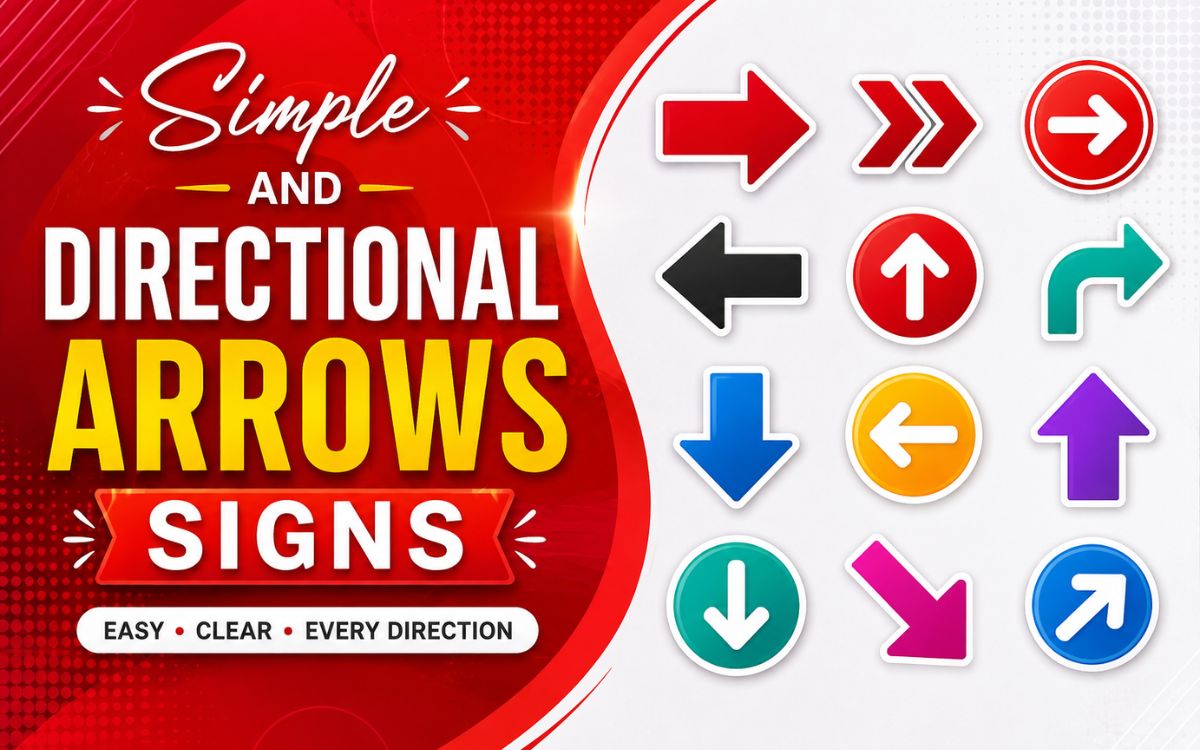
These are the most commonly used arrows, covering the four basic directions. They’re the safest choice for professional documents, instructions, and everyday messages.
| Direction | Arrow Signs |
| Right | → ➜ ➝ ➞ ➟ ➠ ➡ ➢ ➣ ➤ |
| Left | ← ↞ ↤ ↢ ⇐ ⇦ ⬅ ⭠ ⭰ |
| Up | ↑ ⇑ ⇧ ⬆ ⇡ ⭡ ⭱ |
| Down | ↓ ⇓ ⇩ ⬇ ⇣ ⭣ ⭳ |
Tip: Right-facing arrows (→) are the most popular choice for showing “before and after” or step-by-step comparisons in social captions and resumes.
Double and Triple Arrows Signs
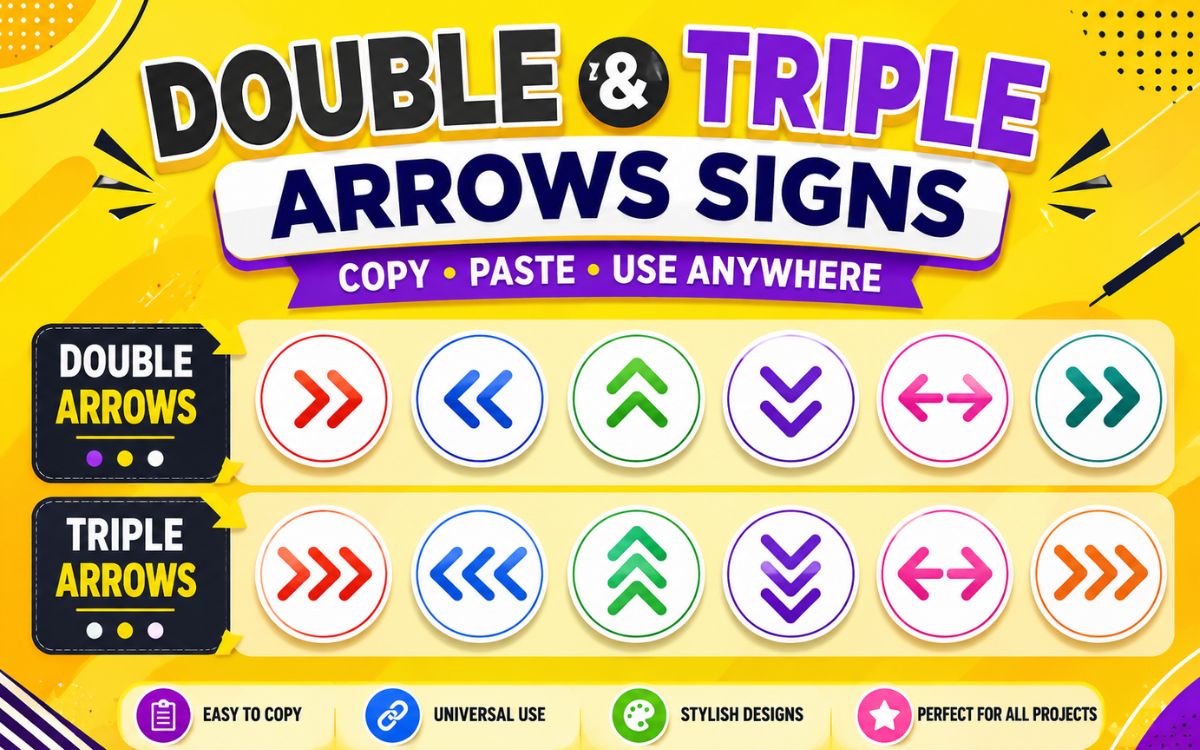
Double and triple arrows add emphasis. They’re great for highlighting an important direction, a strong recommendation, or a “must-click” call to action.
- Double Right: ⇒ ⇉ ⇛ ⟹ ⟾ ↠
- Double Left: ⇐ ⇇ ⇚ ⟸ ↞
- Double Up: ⇑ ⇈ ⟰
- Double Down: ⇓ ⇊ ⟱
- Triple Right: ⇶ ➾ ➻
- Triple Left: ⇷ ↢↢↢
These heavier arrow signs work especially well in headers, banners, or anywhere you want the reader’s eye to stop and follow the direction immediately.
Up and Down Arrow Signs
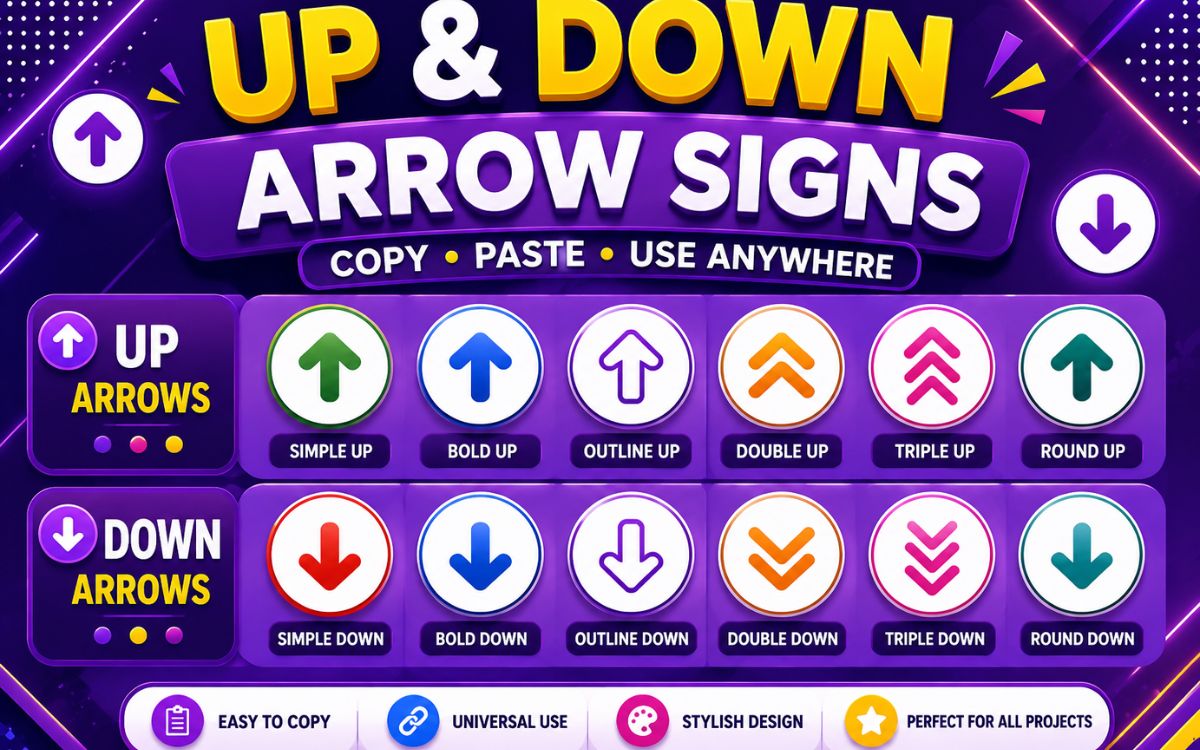
Up and down arrows are widely used to show growth, decline, ranking, or scrolling direction perfect for stock updates, leaderboard graphics, or “scroll down” prompts.
| Purpose | Arrow Signs |
| Growth / Increase | ↑ ⇑ ⬆ ⇧ ⤴ ⇪ |
| Decline / Decrease | ↓ ⇓ ⬇ ⇩ ⤵ |
| Scroll Indicators | ⇣ ⇡ ˅ ˄ ▾ ▴ |
| Both Ways (Vertical) | ↕ ⇕ ⇳ |
A quick example many writers use: Revenue ↑ 24% this quarter. The arrow instantly communicates direction before the reader even finishes the sentence.
Curved and Circular Arrows Signs
Curved and circular arrows represent rotation, refresh, repeat, or returning to a previous point. They’re popular for “back to top” buttons, loading icons, and recycling or renewal themes.
- Curved Right: ↪ ↷ ↝ ⤷ ⤳
- Curved Left: ↩ ↶ ↜ ⤶
- Circular / Rotate: ↻ ↺ ⟳ ⟲ ⭯ ⭮
- Loop / Refresh: ⮌ ⮍ ↬ ↫
Because they suggest movement without a fixed endpoint, curved arrows are ideal for anything cyclical think “refresh,” “restart,” or “come back later.”
Harpoons and Paired Arrows Signs
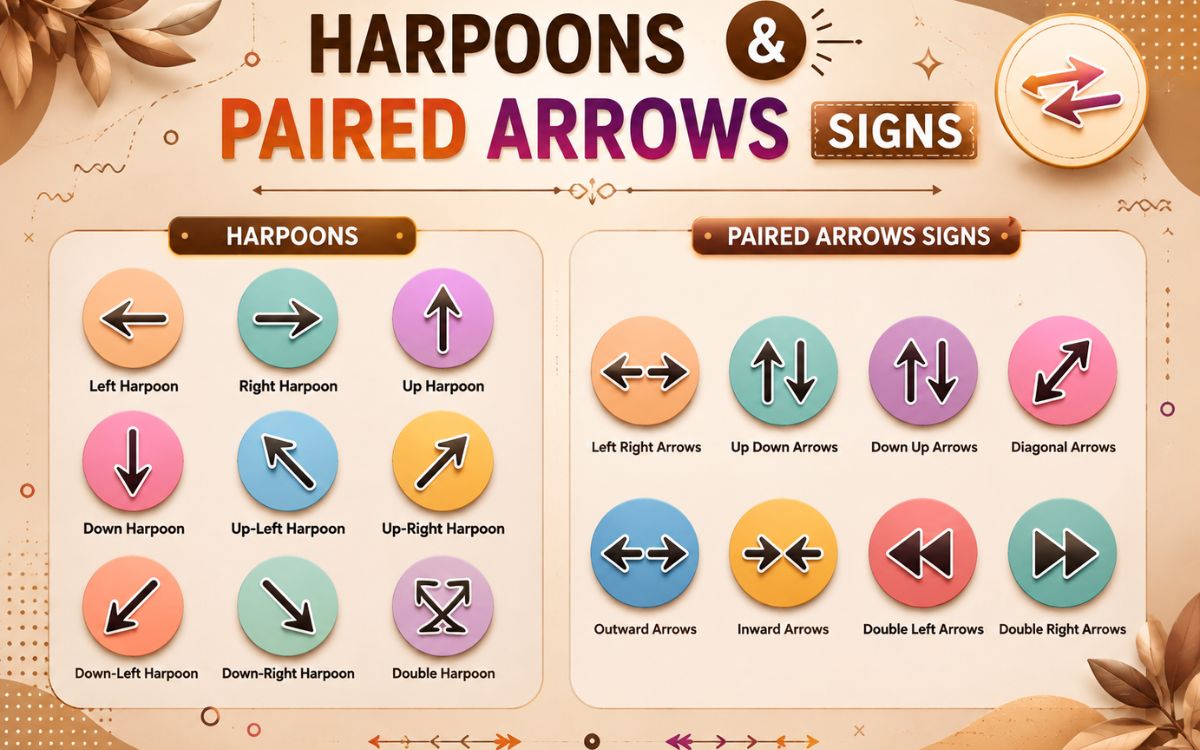
Harpoon arrows show only half of an arrowhead, and they’re typically used in math, logic, and technical writing to represent vectors or one directional forces. Paired arrows (two arrows stacked or side by side) represent balance, exchange, or equilibrium.
| Type | Arrow Signs |
| Right Harpoons | ⇀ ↼ ⥤ ⥬ |
| Left Harpoons | ↽ ↿ ⥪ ⥫ |
| Paired (Up/Down) | ⇅ ⇵ ⥮ ⥯ |
| Paired (Left/Right) | ⇄ ⇆ ⇋ ⇌ |
These arrow signs are less common in casual writing but are extremely useful for chemistry equations, physics notes, and scientific documentation.
Ornate Arrows and Dingbat Signs
Ornate and dingbat arrows are the decorative category — thick, stylish, and eye-catching. They’re the go-to choice for aesthetic bios, banners, and profile customization.
- ➳ ➵ ➶ ➷ ➸ ➹ ➺ ➻ ➼ ➽ ➾
- ➔ ➘ ➙ ➚ ➛ ➜ ➝ ➞ ➟
- ➮ ➱ ➲ ➳ ➴ ➶
These come from the Unicode Dingbats block, originally designed for print typography, which is why they carry a slightly hand-drawn, decorative feel compared to plain arrows.
Keyboard Arrows and UI Signs
These symbols mimic the arrow keys and interface icons you see on real keyboards and apps useful for tutorials, tech guides, and UI mockups.
| Symbol | Meaning |
| ⌨ ↵ ⏎ | Enter / Return key |
| ⌥ ⇧ ⌃ | Modifier keys (Mac style) |
| ◀ ▶ ▲ ▼ | Directional keys / D-pad |
| ⏩ ⏪ ⏫ ⏬ | Fast forward / rewind controls |
| ⇥ ⇤ | Tab forward / backward |
These are especially useful when writing “how to” guides where you’re telling someone exactly which key to press.
Various and Complex Arrows
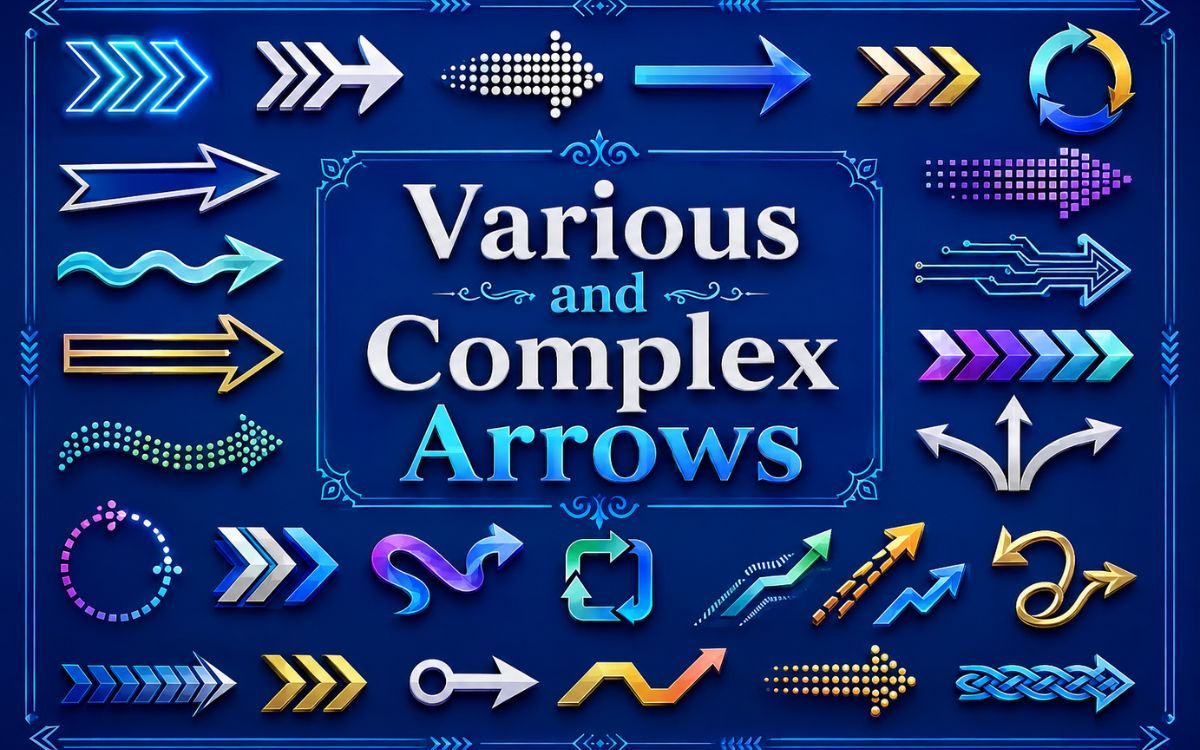
For designers, coders, and anyone who wants a truly unique symbol, here’s a mixed set of complex and lesser-known arrow signs:
- Diagonal: ↗ ↘ ↙ ↖ ⇗ ⇘ ⇙ ⇖
- Crossed / Negated: ↛ ↚ ⇏ ⇍
- Arrow with Tail: ➻ ⭆ ⭅
- Dashed / Dotted: ⇢ ⇠ ⇡ ⇣
- Squiggly: ↝ ↜ ⤳
Mixing a few of these into a bio or design gives it a distinct, less “copy-paste generic” look compared to the standard → symbol everyone uses.
How to Copy and Paste Arrow Signs
Getting an arrow sign into your text takes three simple steps:
- Find the arrow: You want from the categories above.
- Select and copy it: Highlight the character and press Ctrl+C (Windows/Linux) or Cmd+C (Mac).
- Paste it: Anywhere with Ctrl+V or Cmd+V — a bio, caption, document, or chat box.
Since these are Unicode characters and not images, they’ll paste as plain text and adjust automatically to match your font size and color.
Read Also This Blog: Amazing Music Symbols
Where to Use Stylish Arrow Signs
- Social media bios and captions: Point people to your link or highlight.
- Resumes and portfolios: Show career progression or skills gained.
- Presentations and reports: Visualize a process or timeline
- Gaming usernames and profiles: Add a decorative touch
- Step-by-step tutorials: Replace “then” or “next” with a clean visual cue
Frequently Asked Questions
What is the most commonly used arrow symbol?
The simple right arrow (→) is the most widely used, mainly for showing sequence, direction, or a quick “before and after” comparison.
Can I use arrow signs on any device?
Yes, since arrow signs are standard Unicode characters, they work across Windows, Mac, Android, iOS, and most browsers and apps.
Do arrow symbols work in usernames and bios?
Most platforms like Instagram, TikTok, and Discord fully support Unicode arrows, so they display correctly in usernames, bios, and captions.
Are arrow signs the same as arrow emojis?
Not exactly. Text arrow signs match your font’s color and style, while arrow emojis (like ➡️) render as fixed, colorful icons regardless of the surrounding text.
Will copying arrow symbols change their formatting?
No, arrows copy and paste as plain Unicode text, so they’ll automatically pick up whatever font, size, or color is used where you paste them.
How do I type an arrow using a keyboard shortcut?
On Windows, you can hold the Alt key and type the arrow’s Alt code on the numeric keypad; on Mac, some arrows are available through the Character Viewer.
Final Thoughts
Arrow signs are a small detail that makes a big visual difference. From simple directional arrows to ornate dingbat styles and technical harpoons, there’s an arrow for nearly every use case social media, documents, presentations, or casual chats. Bookmark this collection, pick the styles that match your tone, and start copying arrows straight into your next bio, caption, or project.
