

Plain text gets ignored. A username, bio, or caption written in stylish letters symbols stands out the moment someone scrolls past it. These aren’t images or fonts you need to install. They’re special Unicode characters that look like fancy alphabets but paste as regular text anywhere online.
This guide collects the best letters symbols from A to Z, explains what they’re actually called, and shows you exactly how to copy, generate, and use them across social media, gaming names, and documents.
What Are Letters Symbols?
Letters symbols are Unicode characters designed to visually resemble the standard A–Z alphabet, but in decorative, stylized, or “fancy” forms. Instead of using bold or italic formatting from a word processor, these characters are actual individual symbols with their own Unicode code point.
That’s why they work almost everywhere. Instagram bios, Discord usernames, Fortnite names, YouTube comments, and even some resumes without needing any special app or font installed on the device that’s reading them.
Common examples include:
- Bold letters: 𝐀𝐁𝐂𝐃𝐄
- Italic letters: 𝘈𝘉𝘊𝘋𝘌
- Script/cursive letters: 𝒜ℬ𝒞𝒟ℰ
- Bubble letters: ⒶⒷⒸⒹⒺ
- Double-struck letters: 𝔸𝔹ℂ𝔻𝔼
Because each character is technically a separate symbol (not a font applied to normal text), they display consistently no matter what device or browser someone is using.
Letters Symbols A to Z
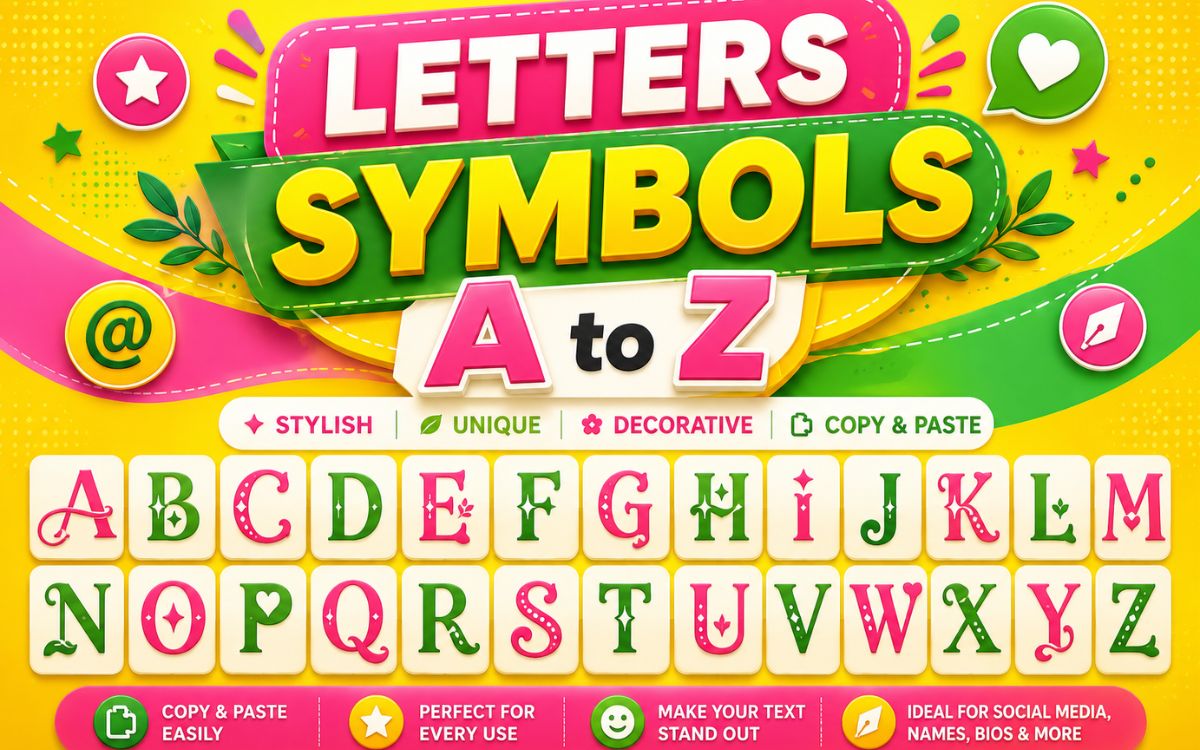
Below is a quick-reference table showing how the alphabet looks across some of the most popular letters symbols styles.
| Letter | Bold | Italic | Bubble | Script | Double-Struck |
| A | 𝐀 | 𝘈 | Ⓐ | 𝒜 | 𝔸 |
| B | 𝐁 | 𝘉 | Ⓑ | ℬ | 𝔹 |
| C | 𝐂 | 𝘊 | Ⓒ | 𝒞 | ℂ |
| D | 𝐃 | 𝘋 | Ⓓ | 𝒟 | 𝔻 |
| E | 𝐄 | 𝘌 | Ⓔ | ℰ | 𝔼 |
| F | 𝐅 | 𝘍 | Ⓕ | ℱ | 𝔽 |
| G | 𝐆 | 𝘎 | Ⓖ | 𝒢 | 𝔾 |
| H | 𝐇 | 𝘏 | Ⓗ | ℋ | ℍ |
| I | 𝐈 | 𝘐 | Ⓘ | ℐ | 𝕀 |
| J | 𝐉 | 𝘑 | Ⓙ | 𝒥 | 𝕁 |
| K | 𝐊 | 𝘒 | Ⓚ | 𝒦 | 𝕂 |
| L | 𝐋 | 𝘓 | Ⓛ | ℒ | 𝕃 |
| M | 𝐌 | 𝘔 | Ⓜ | ℳ | 𝕄 |
| N | 𝐍 | 𝘕 | Ⓝ | 𝒩 | ℕ |
| O | 𝐎 | 𝘖 | Ⓞ | 𝒪 | 𝕆 |
| P | 𝐏 | 𝘗 | Ⓟ | 𝒫 | ℙ |
| Q | 𝐐 | 𝘘 | Ⓠ | 𝒬 | ℚ |
| R | 𝐑 | 𝘙 | Ⓡ | ℛ | ℝ |
| S | 𝐒 | 𝘚 | Ⓢ | 𝒮 | 𝕊 |
| T | 𝐓 | 𝘛 | Ⓣ | 𝒯 | 𝕋 |
| U | 𝐔 | 𝘜 | Ⓤ | 𝒰 | 𝕌 |
| V | 𝐕 | 𝘝 | Ⓥ | 𝒱 | 𝕍 |
| W | 𝐖 | 𝘞 | Ⓦ | 𝒲 | 𝕎 |
| X | 𝐗 | 𝘟 | Ⓧ | 𝒳 | 𝕏 |
| Y | 𝐘 | 𝘠 | Ⓨ | 𝒴 | 𝕐 |
| Z | 𝐙 | 𝘡 | Ⓩ | 𝒵 | ℤ |
Lowercase versions follow the same pattern (for example, 𝐚𝐛𝐜, 𝘢𝘣𝘤, ⓐⓑⓒ), so you can mix and match to build a complete stylish username or bio line.
What Are Letters Symbols Called?
People search for these symbols under many different names, which is why results can look scattered. Here are the most common terms used interchangeably:
- Fancy letters: The most casual, everyday term.
- Stylish text or stylish fonts: Commonly used on Instagram and TikTok.
- Unicode letters: The technical, accurate term.
- Letterlike symbols: The official Unicode block name for some of these. characters
- Aesthetic fonts: Used mostly in bio and caption contexts.
- Text symbols: Broader terms covering letters plus other symbols.
Technically, most of these characters belong to Unicode blocks like Mathematical Alphanumeric Symbols and Letter like Symbols, which is why they’re often labeled “math letters” even though they’re used purely for decoration.
Read Also This Blog: Stylish Arrow Signs
Letters Symbols Text
“Letters symbols text” refers to full words or usernames built entirely out of stylized characters instead of the standard keyboard alphabet. This is what makes a bio or name look custom-designed rather than plain.
For example, the word “Hello” can be transformed into:
| Style | Example |
| Bold | 𝐇𝐞𝐥𝐥𝐨 |
| Italic | 𝘏𝘦𝘭𝘭𝘰 |
| Script | ℋℯ𝓁𝓁ℴ |
| Bubble | Ⓗⓔⓛⓛⓞ |
| Small Caps | ʜᴇʟʟᴏ |
| Upside Down | Oꞁꞁǝɥ |
A few tips for using letters symbols text effectively:
- Stick to one style per sentence for readability.
- Avoid overly rare characters that some devices may not render correctly.
- Combine a stylish word with a plain-text arrow or symbol (→ ✦ ❀) for a cleaner look.
Letters Symbols Font
Technically, letters symbols aren’t a “font” in the traditional sense a font changes how existing letters are drawn, while these are entirely separate Unicode characters. But because they visually behave like custom fonts, most people search for and refer to them as fonts.
| Term Used | What It Actually Means |
| “Fancy font” | A set of Unicode letters symbols styled to look like a font |
| “Stylish font generator” | A tool that maps normal letters to Unicode letters symbols |
| “Text font changer” | Same concept converts text into symbol-based alphabets |
This distinction matters because true fonts require the app or platform to support them, while Unicode letters symbols display correctly almost everywhere since they’re just characters, not formatting.
Letters Symbols Generator
A letters symbols generator is an online tool that automatically converts normal typed text into stylish Unicode characters. Instead of manually copying each letter, you type a word once, and the generator instantly produces dozens of stylized versions.
How a typical generator works:
- Type your text into the input box.
- The tool maps each letter to its corresponding Unicode symbol across multiple styles.
- Browse the generated list of fonts/styles.
- Click any result to copy it instantly.
Most generators offer 20–50+ style variations from a single word, covering bold, italic, script, bubble, gothic, small caps, and more making them the fastest way to get letters symbols text without memorizing or searching for each character individually.
Letters Symbols Code
Every letters symbol has a unique Unicode code point, which is useful for developers, designers, or anyone working with HTML, CSS, or programming environments where copy-paste isn’t reliable.
| Symbol | Name | Unicode Code Point |
| 𝔸 | Mathematical Double-Struck A | U+1D538 |
| 𝒜 | Mathematical Script A | U+1D49C |
| Ⓐ | Circled Latin Capital A | U+24B6 |
| 𝐀 | Mathematical Bold A | U+1D400 |
| ℬ | Script Capital B | U+212C |
To use a Unicode code point in HTML, you can reference it with an entity like 𝔸, or in CSS content properties using \1D538. This method is especially useful when a symbol won’t paste correctly from a browser-based generator.
Best Practices for Using Letters Symbols
- Test the symbol on the actual platform before finalizing a username, since some apps restrict certain Unicode ranges.
- Use letters symbols sparingly in professional documents they’re best suited for social bios, usernames, and casual content.
- Combine styles thoughtfully; too many different alphabets in one line can hurt readability.
- Save your favorite combinations somewhere, since generators don’t always store history.
Frequently Asked Questions
Are letters symbols the same on every device?
Mostly yes, since they’re standard Unicode characters, though very rare symbols may not render on older devices or unsupported apps.
Can I use letters symbols in a username?
Yes, most platforms like Instagram, Discord, and Fortnite accept Unicode letters symbols in usernames, though a few apps may restrict certain characters.
Why do letters symbols look like math characters?
Many of these symbols come from the Unicode “Mathematical Alphanumeric Symbols” block, which was originally designed for math notation but is now widely used for stylish text.
Is using a letters symbols generator free?
Yes, nearly all letters symbols generators are free web tools that let you type text and instantly copy stylized versions.
Do letters symbols affect SEO or accessibility?
Yes, screen readers and search engines may not interpret stylized Unicode letters the same way as normal text, so they’re best used sparingly in important content.
Can I copy multiple letters symbols at once?
Yes, most generators let you copy an entire stylized word or sentence in one click instead of copying each letter individually.
Final Thoughts
Letters symbols turn plain text into something visually memorable perfect for bios, usernames, and creative projects. Whether you’re grabbing a quick bold alphabet from the A–Z table above or using a generator to build a full stylish name, these Unicode characters give you an easy way to stand out without installing a single font. Bookmark this page, mix a few styles, and start copying the letters symbols that match your vibe.
