

Need the pound symbol for a document, spreadsheet, or social media post? You’ve landed in the right place. This guide gives you instant copy-paste access to the £ pound sterling sign, along with every shortcut, font tip, and typing method you’ll ever need for Windows, Mac, phones, Word, and HTML.
We’ll also clear up one of the internet’s most common mix-ups: the difference between the £ currency symbol and the # pound key on your phone. By the end of this guide, you’ll never confuse the two again.
What Is the Pound Symbol?
The pound symbol, £, represents pound sterling. The official currency of the United Kingdom. It’s also used by a handful of other pound-denominated currencies around the world, including those of Egypt, Syria, and several other nations that adopted the name “pound” from British influence.
Visually, £ is a stylized letter “L” with one or two horizontal strikes through it. This isn’t random — it comes from the Latin word libra, meaning both “scales” and a unit of weight, which is where the connection between money and weight measurement originates.
History of the Pound Symbol
The pound symbol has roots stretching back to the Roman Empire. Here’s how it evolved:
- Libra pondo: The Latin term for “a pound by weight,” used in ancient Rome
- ℔ : An early abbreviated symbol combining “lb” with a crossbar, used by medieval scribes
- £ : The modern version, formed by adding a horizontal line through a capital “L”
Over centuries, the abbreviation for weight (lb) and the abbreviation for currency (£) evolved from the same Latin root, which is why the pound symbol still carries connotations of both money and mass today.
Interestingly, the Bank of England used both a single bar (£) and double bar (₤) version somewhat interchangeably between 1725 and 1971, before settling permanently on the single-bar £ we recognize now.
Read Also This Blog: Stunning Rupee Symbols
Pound Symbol of English, British, Egyptian, and UK Currencies
While £ is most associated with the UK, several countries use their own version of the pound symbol for local currency:
| Country | Currency | Symbol | ISO Code |
| United Kingdom | Pound Sterling | £ | GBP |
| Egypt | Egyptian Pound | £ or ج.م | EGP |
| Syria | Syrian Pound | £S or ل.س | SYP |
| Sudan | Sudanese Pound | £ or ج.س | SDG |
| Lebanon | Lebanese Pound | £L or ل.ل | LBP |
Even though these currencies share a visual symbol, they are not interchangeable in value. When writing for an international audience, it’s best practice to pair the symbol with the ISO code (e.g., £50 GBP or £E100 EGP) to avoid confusion.
Pound Symbol and Euro Symbol
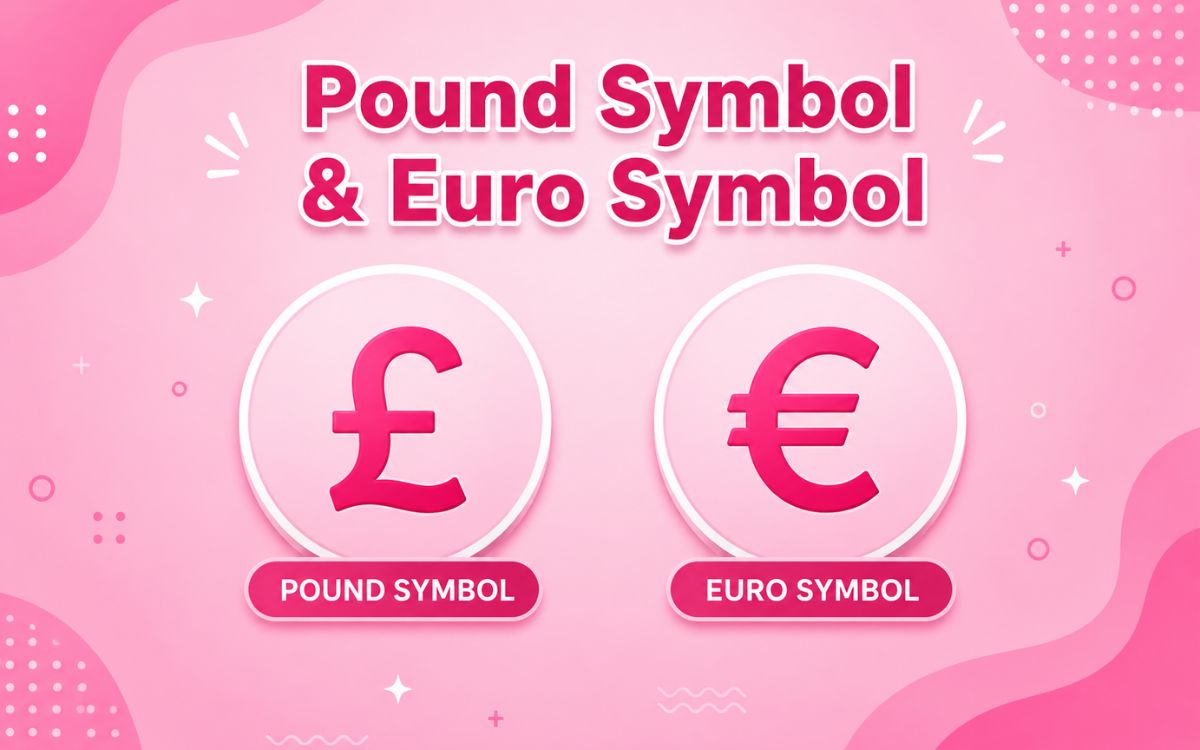
The pound (£) and euro (€) are two of the most widely used currency symbols in Europe, but they represent entirely different currencies and economies.
| Feature | Pound (£) | Euro (€) |
| Used In | United Kingdom | 20 EU member states |
| Unicode | U+00A3 | U+20AC |
| Symbol Origin | Latin “libra” (L) | Greek epsilon (E) |
| HTML Code | £ | € |
| Windows Shortcut | Alt + 0163 | Alt + 0128 |
The UK notably retained the pound sterling instead of adopting the euro when the currency launched in 1999, making £ one of the few major European currency symbols still independent from the eurozone system.
Pound Symbol and Dollar Symbol
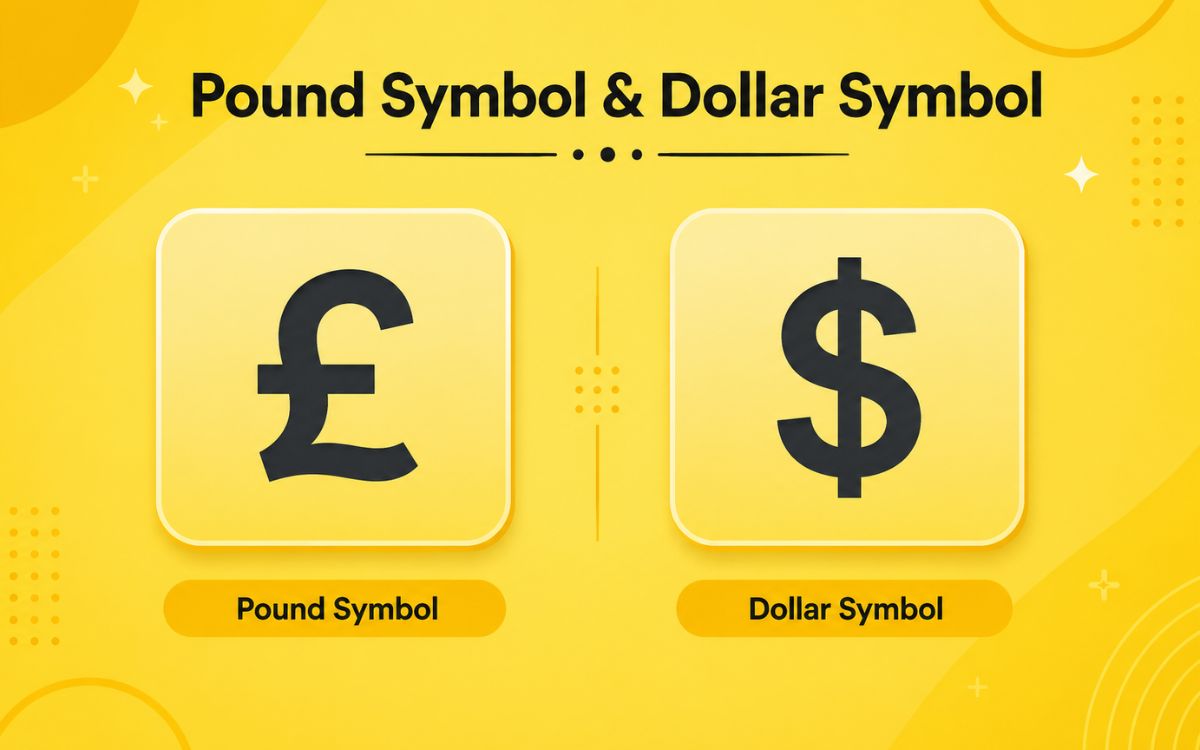
Another common comparison is between the pound (£) and the dollar ($), especially for businesses dealing in both GBP and USD.
| Feature | Pound (£) | Dollar ($) |
| Primary Country | United Kingdom | United States |
| Unicode | U+00A3 | U+0024 |
| HTML Code | £ | $ |
| Symbol Position | Before amount (£50) | Before amount ($50) |
| Shared By | Egypt, Syria, Lebanon | Canada, Australia, and others |
Both symbols are prefix currencies, meaning they appear before the number rather than after it unlike currencies such as the euro in some European writing conventions.
Pound Currency Symbol and Pound Symbol Money
When used in financial writing, £ always represents an amount of money in pound sterling. A few quick usage rules:
- Always place the symbol directly before the number: £250, not 250£
- Don’t combine the symbol with the written currency name: use either £50 or 50 GBP, not £50 GBP
- For clarity in international documents, pair with the ISO code once: £100 (GBP)
These conventions are followed by UK banks, invoices, and financial institutions to avoid ambiguity in cross-border transactions.
Pound Symbol on Mac
Typing £ on a Mac depends on your keyboard layout:
- US Keyboard: Press Option + 3
- UK Keyboard: Press Shift + 3
- Character Viewer: Press Control + Command + Space to open the emoji and symbol picker, then search “pound”
If you frequently write in British English or handle UK currency, switching your Mac’s keyboard layout to “British” under System Settings > Keyboard makes typing £ effortless with a single keystroke.
Pound Sterling Symbol
“Pound sterling” is the formal name for the UK’s currency, and £ is its official symbol. The term “sterling” is believed to derive from an Old English word for a small silver coin, dating back over a thousand years.
Key facts about the pound sterling symbol:
- Unicode: U+00A3
- ISO 4217 Code: GBP
- HTML Entity: £
- Symbol Type: Prefix currency symbol
Pound sterling is the world’s oldest currency still in continuous use, and its symbol has remained visually consistent for centuries.
Pound Symbol Font
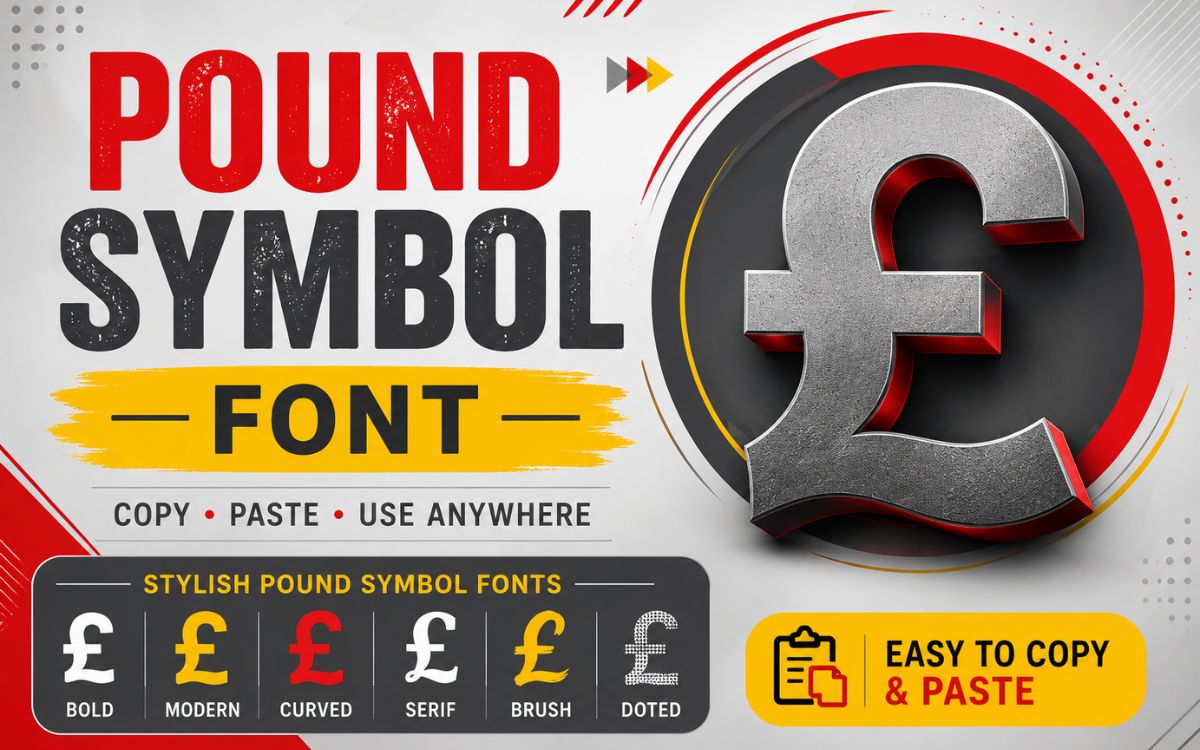
The £ symbol is included in virtually every standard font used today, including:
- Arial
- Calibri
- Times New Roman
- Helvetica
- Segoe UI
You typically don’t need a special font to display £, since it’s part of the standard Unicode character set supported system wide on Windows, macOS, iOS, and Android. Font compatibility issues are rare and usually only occur with highly stylized or symbol limited decorative fonts.
Pound Symbol Keyboard Shortcuts
Here’s a full breakdown of how to type £ across every major platform:
| Platform | Method |
| Windows (Alt code) | Alt + 0163 (numeric keypad) |
| Windows (Word) | Type 00A3, then press Alt + X |
| Mac (US layout) | Option + 3 |
| Mac (UK layout) | Shift + 3 |
| iPhone/Android | Long-press the $ or currency key on the symbol keyboard |
| Linux | Ctrl + Shift + U, then type 00A3, press Enter |
Note: On a US keyboard, there’s no dedicated £ key, which is why the Alt code or copy-paste method is the most reliable option.
Pound Key Symbol vs. Pound Sign Symbol. What’s the Difference?
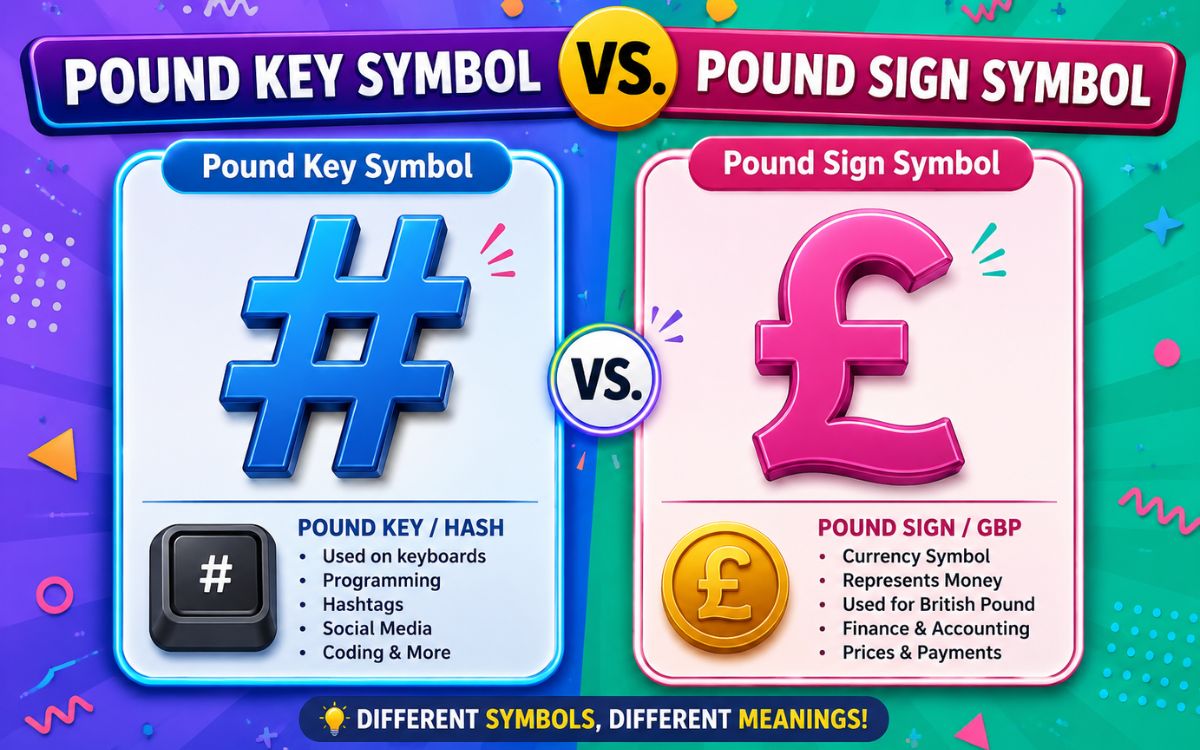
This is one of the most confusing parts of the “pound symbol” topic, so let’s clear it up.
- £ (Pound Sign): The currency symbol used for British pound sterling and related currencies
- # (Pound Key): The number/hash symbol found on telephone keypads and computer keyboards, especially in American English
In the United States, telephone systems often instruct callers to “press pound,” referring to the # key not the currency symbol. This naming convention dates back to early telephone keypad design in the 1960s, where # and £ occupied the same physical position on different regional keyboard layouts.
| Symbol | Common Name | Unicode | Used For |
| £ | Pound Sign (Currency) | U+00A3 | Money, UK currency |
| # | Pound Key / Hash / Number Sign | U+0023 | Phone menus, hashtags, numbering |
If someone asks you to “press pound” on a call, they mean #, not £.
Pound Symbol for Weight
Beyond currency, “pound” is also a unit of weight, commonly abbreviated as lb or lbs (from the Latin libra). This is a completely separate use from the currency symbol, though both trace back to the same Latin origin.
- 1 lb = 0.453592 kilograms
- Common abbreviation: lb or lbs
- Symbol origin: Same Latin root as the currency symbol (libra)
When writing about weight, always use “lb” or “lbs” rather than £, since using the currency symbol for weight measurements can create confusion in written content.
How to Type a Pound Symbol in Word, Excel, and HTML
In Microsoft Word
- Place your cursor where you want the symbol
- Type 00A3
- Press Alt + X immediately after typing the code
- Word will automatically convert it into £
In Excel
- Select the cell where you need the symbol
- Go to Insert > Symbol
- Search “Pound” or enter Unicode 00A3
- Click Insert
You can also format cells using Currency formatting and select English (United Kingdom) as the locale, which automatically applies £ to your values.
In HTML
Use any of the following codes:
html
<span>£</span> <!– HTML entity –>
<span>£</span> <!– Decimal code –>
<span>£</span> <!– Hex code –>
Always include <meta charset=”UTF-8″> in your HTML head section to ensure the symbol renders correctly across all browsers and devices.
Pound Symbol Copy and Paste
Below is a quick-copy selection of pound and related currency symbols:
Standard Symbols: £ ₤ £ GBP £.
Stylized Versions: 【£】 ➤£ ★£★ ‹£› ❝£❞ £° £™ ▶£◀ ✦£✦ ➢£
Decorative Styles: 『£』 ⟦£⟧ ⌈£⌉ ⁘£⁘ ღ£ღ ☙£❧ ஜ£ஜ ✪£✪ ❖£❖ ⚜£⚜
Currency Symbol Family (for reference): £ € $ ¥ ₹ ₩ ₺ ₦ ₴ ₱ ฿ ₡ ₵ ₸ ₮ ₭ ₲
These are all standard Unicode characters, so they’ll display correctly across every major device, browser, and app without needing extra fonts or plugins.
Quick Reference Table
| Symbol | Name | Unicode | HTML Code | Windows Shortcut |
| £ | Pound Sign | U+00A3 | £ | Alt + 0163 |
| # | Number/Pound Key | U+0023 | # | Shift + 3 (US) |
| ₤ | Lira/Double-Bar Pound | U+20A4 | ₤ | — |
Conclusion
The pound symbol carries more history and nuance than most people realize from its Roman weight measurement origins to its modern role as the sign for one of the world’s oldest currencies. Whether you’re typing £ into a Word document, formatting an Excel spreadsheet, coding HTML, or just need to copy and paste it into a quick message, you now have every method covered.
Bookmark this page, and the next time you need the pound symbol, currency, weight, or otherwise. You’ll have it in seconds.
FAQs
What is the shortcut key for the pound symbol?
On Windows, press Alt + 0163 on the numeric keypad. On Mac, press Option + 3 (US layout) or Shift + 3 (UK layout).
Is £ the same as the # pound key?
No. £ is the currency symbol for pound sterling, while # is the number or hash key used on phone keypads and in hashtags.
How do I type the pound symbol in Word?
Type 00A3, then press Alt + X immediately after to convert it into the £ symbol.
Which countries use the pound symbol?
The UK, Egypt, Syria, Sudan, and Lebanon all use versions of the pound symbol for their local currencies.
Can I use the pound symbol in HTML?
Yes, use £, £, or £ inside your HTML code, along with <meta charset=”UTF-8″> for correct display.
Where did the pound symbol come from?
It originates from the Latin word “libra,” meaning scales or a unit of weight, represented by a crossed capital “L.”
