

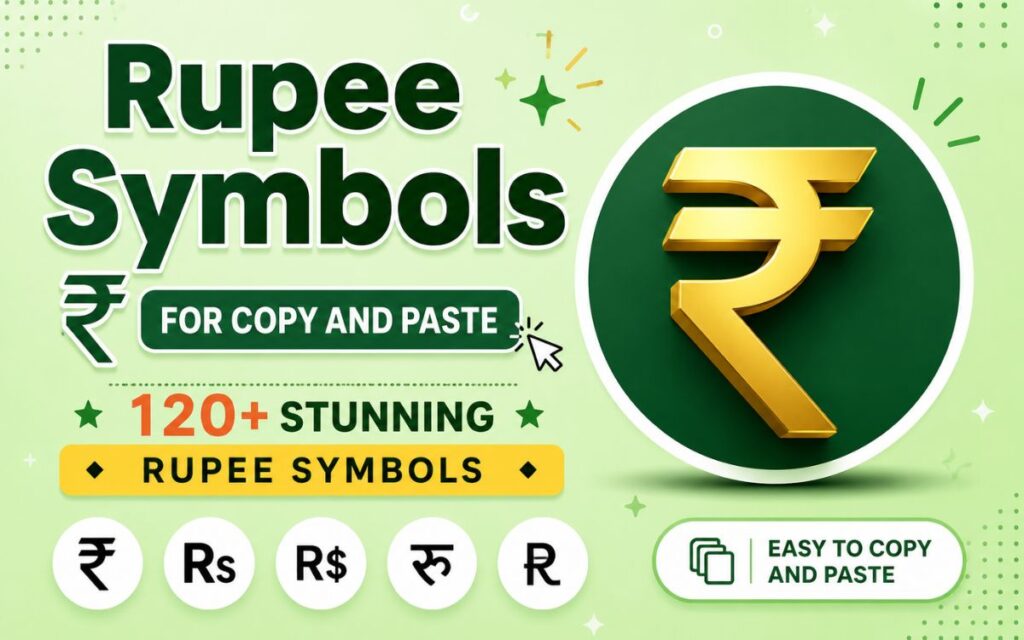
Rupee symbols to copy and paste into your documents, social media posts, invoices, or websites? You’re in the right place. Whether you need the Indian Rupee symbol (₹), the Pakistani Rupee symbol (₨), or a stylish text version for your captions, this guide has everything you need in one spot.
Below, you’ll find ready to copy rupee symbols, keyboard shortcuts, font details, and step by step instructions for using the rupee symbol in Word, Excel, and HTML. No downloads or special software required.
What Is the Rupee Symbols?
The rupee symbols represents the currency used in several South Asian countries, including India, Pakistan, Sri Lanka, and Nepal. While each country has its own currency, many share a similar looking sign derived from the Devanagari script and the Latin letter “R.”
The two most widely used versions are:
- ₹ The official Indian Rupee Symbol, adopted in 2010.
- ₨ Rupees Symbol used for Pakistani Rupee, Sri Lankan Rupee, and Nepalese Rupee.
Both rupee symbols are part of the Unicode standard, which means you can copy and paste them anywhere no matter what device, browser, or app you’re using.
Read Also This Blog: Euro Symbols
Rupee Symbols In English
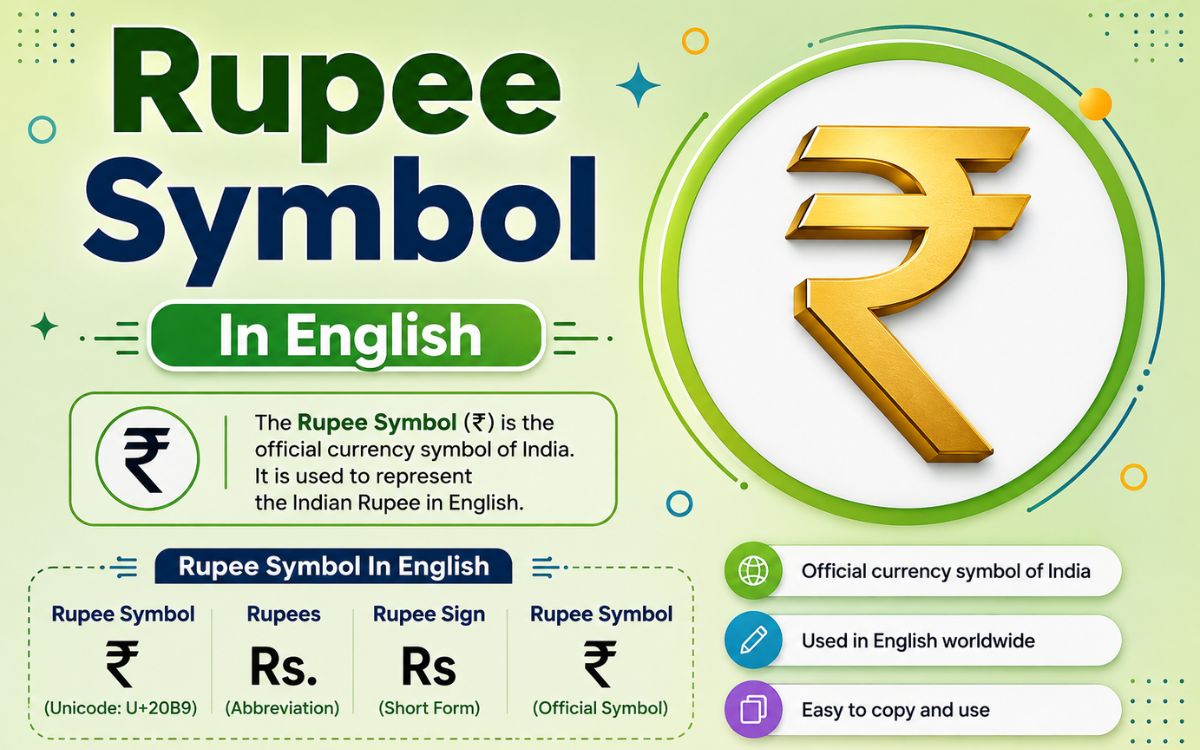
In English language writing, the rupee symbol is commonly represented in three ways:
- ₹ The official rupee symbol.
- Rs. A widely accepted written abbreviation.
- INR The ISO currency code used in banking and international finance.
For everyday writing, rupee symbol as “₹” or “Rs.” both work fine. For formal financial documents, INR is often preferred because it removes any ambiguity between different countries’ rupee currencies.
Rupee Symbols of Pakistan
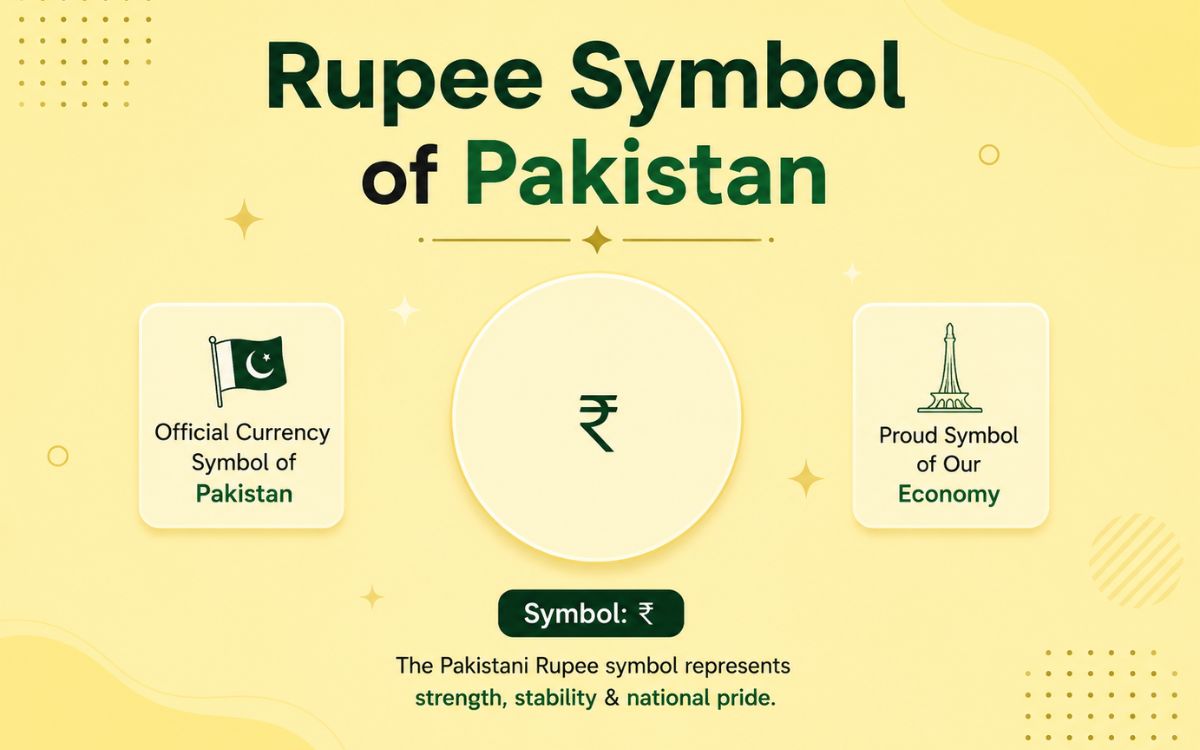
The Pakistani Rupee doesn’t have a dedicated Unicode symbol of its own the way India does. Instead, it commonly uses:
- ₨ (Rupee Symbol, Unicode U+20A8)
- Rs. as a text abbreviation
- PKR as the official ISO code
| Rupee Symbols | Unicode | Common Use |
| ₨ | U+20A8 | General rupee sign |
| Rs. | Text abbreviation | Invoices, pricing |
| PKR | ISO 4217 code | Banking, forex |
Rupee Symbol of India
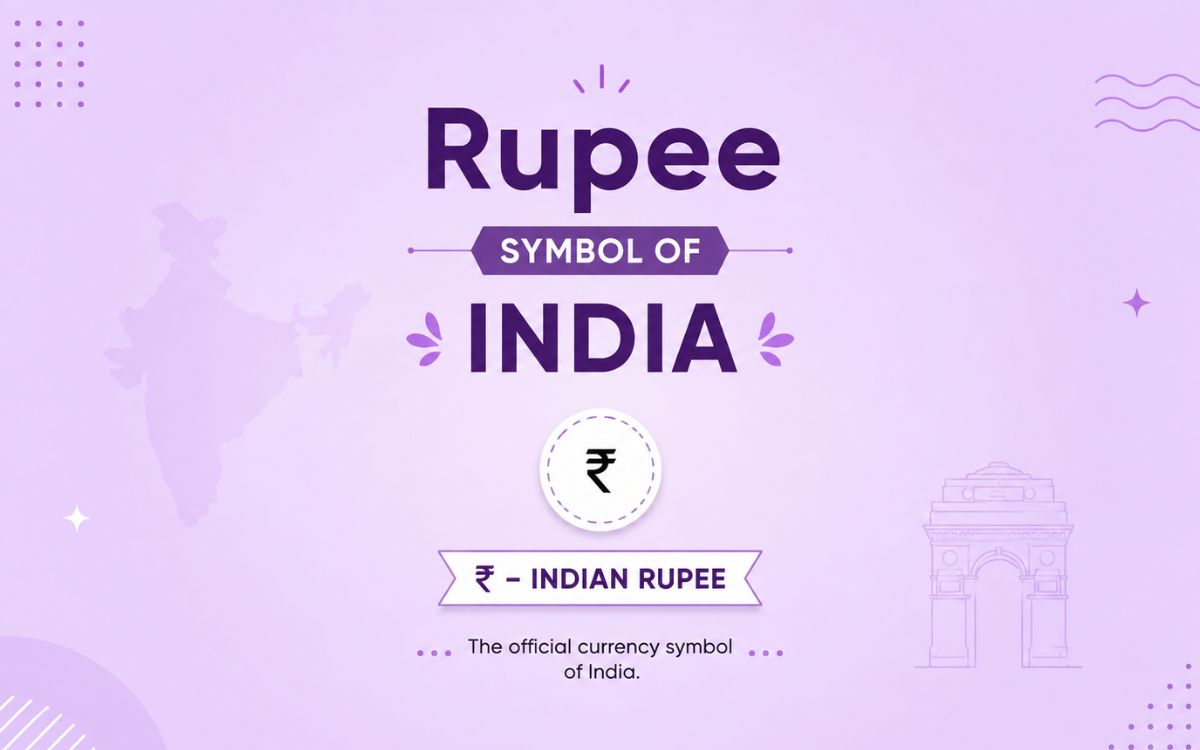
India’s rupee symbol, ₹, was officially adopted by the Government of India in 2010. It was designed by Udaya Kumar Dhondopant Billa, a postgraduate student from IIT Bombay, and was selected through a public design competition.
The rupee symbol combines the Devanagari letter “र” (Ra) with the Latin capital “R,” and its two horizontal lines are said to represent the Indian national flag and echo the equality sign, symbolizing economic balance.
| Detail | Information |
| Rupee Symbols | ₹ |
| Unicode | U+20B9 |
| Adopted | 2010 |
| Designer | Udaya Kumar |
| ISO Code | INR |
Copy and Paste Rupee Symbols
Here’s a quick copy collection of rupee and related currency symbols. Just click, copy, and paste directly into your document.
Standard Rupee Symbols: ₹ ₨ Rs Rs. INR ₹₹ ₨₨
Stylized Text Versions for Rupee Symbols: Ⓡs ₹✓ 【₹】 ➤₹ ★₹★ ‹₹› ❝₹❞ ₹° ₹™ ₹#
Decorative & Boxed Styles: ▶₹◀ ✦₹✦ ➢₹ 『₹』 ⟦₹⟧ ⌈₹⌉ ⁘₹⁘ ஜ₹ஜ ღ₹ღ ☙₹❧
Currency Symbol Family (for comparison/reference): ₹ ₨ $ € £ ¥ ₩ ₫ ₺ ₦ ₴ ₱ ฿ ₡ ₵ ₸ ₮ ₭ ₲ ₹
These characters render consistently across Windows, Mac, Android, and iOS since they’re standard Unicode characters rather than images or fonts.
Rupee Symbol Text
If you want a plain text version of the rupee symbol that works in places where special fonts don’t render properly (like plain SMS or older software), you can use these text safe alternatives:
- Rs Most universally compatible.
- INR Used in formal or international contexts.
- Rs. This rupee symbol common in everyday writing and receipts.
These options are useful for emails, code comments, or platforms where Unicode symbols sometimes break formatting.
Rupee Symbol Font
The rupee symbol is included in most modern system fonts by default, including:
- Arial
- Times New Roman
- Calibri
- Segoe UI
- Noto Sans
However, some older or design specific fonts don’t support it. In such cases, you may need a dedicated font like Rupee Foradian, which was widely used before the Unicode ₹ rupee symbol became standard in software. Today, this workaround is rarely necessary since almost all updated operating systems display ₹ correctly out of the box.
Rupee Symbol Shortcut
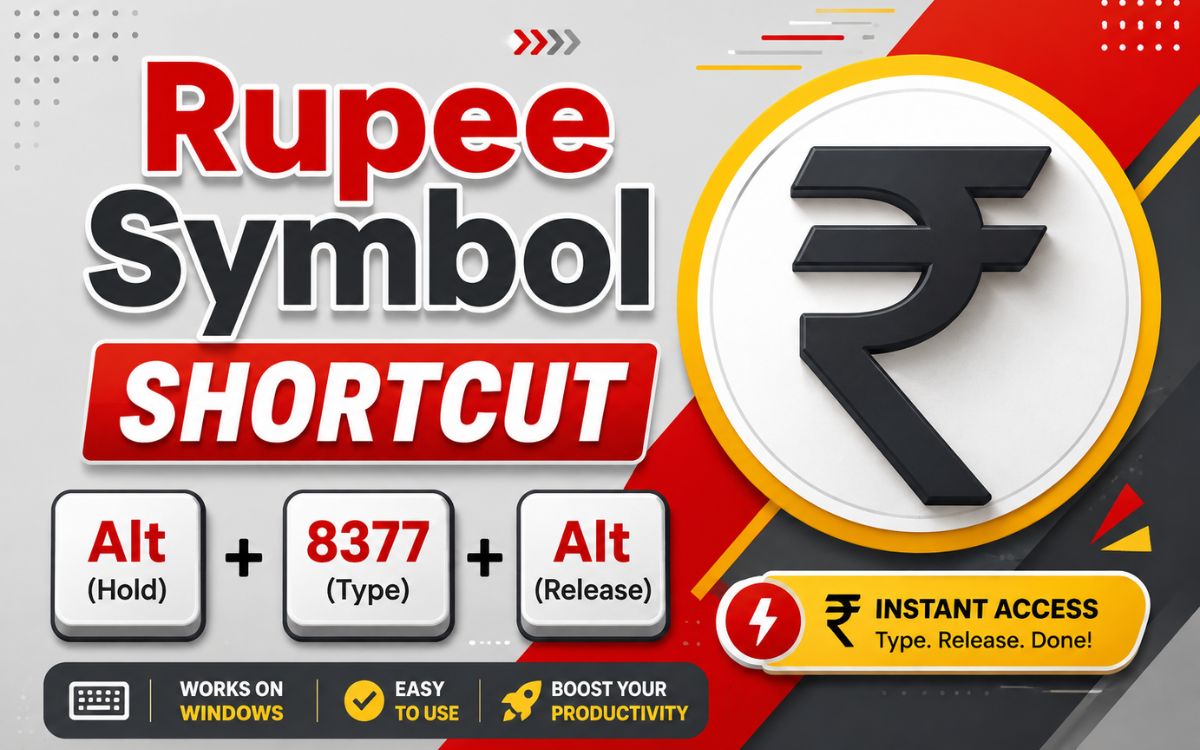
You don’t need to hunt through menus to insert the rupee symbol. Keyboard shortcuts make it instant.
| Platform | Shortcut |
| Windows (Alt code) | Alt + 8377 (numeric keypad) |
| Windows (Word) | 20B9, then Alt + X |
| Mac | Option + Rs (varies by keyboard layout) |
| Android/iOS | Long-press the currency key on the symbol keyboard |
| Linux | Ctrl + Shift + U, then 20B9, then Enter |
Tip: On Windows, your Num Lock must be turned on for Alt codes to work correctly.
Rupee Symbol PNG
Need the rupee symbol as an image rather than text? PNG versions are useful for logos, banners, thumbnails, and presentations where a transparent background is required.
You can generate a rupee symbol PNG in a few ways:
- Screenshot the ₹ character in a large font size against a transparent canvas
- Use free online symbol to image converters
- Create one in Canva or Photoshop using a bold font like Montserrat or Roboto
For crisp results, always export at a high resolution (at least 512×512 px) so the image doesn’t pixelate when resized.
How to Type a Rupee Symbol in Word, Excel, and HTML?
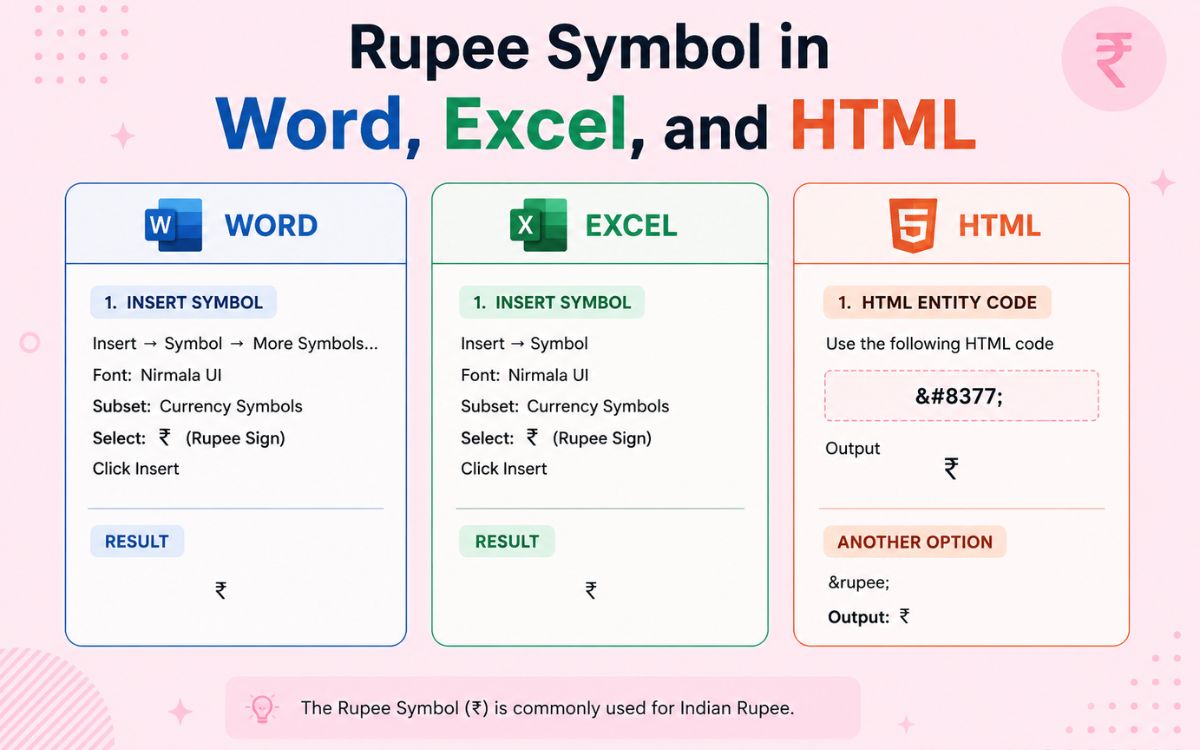
In Microsoft Word?
- Place your cursor where you want the symbol
- Type 20B9
- Press Alt + X immediately after
- Word will convert the code into ₹
In Excel
- Click the cell where you need the symbol
- Go to Insert > Symbol
- Search for “Rupee” or enter Unicode 20B9
- Click Insert
Alternatively, format the cell as Currency and select English (India) from the locale list — Excel will automatically prefix values with ₹.
In HTML
Use any of the following codes inside your HTML file:
html
<span>₹</span> <!– Decimal code –>
<span>₹</span> <!– Hex code –>
<span>₨</span> <!– Rs sign (₨) decimal –>
Make sure your HTML document includes <meta charset=”UTF-8″> in the head section so the symbol displays correctly across all browsers.
Rupee Symbol Copy and Paste
| Rupee Symbol | Name | Unicode | HTML Code |
| ₹ | Indian Rupee Sign | U+20B9 | ₹ |
| ₨ | Rupee Symbol | U+20A8 | ₨ |
| Rs. | Text Abbreviation | — | — |
| INR | ISO Currency Code | — | — |
Conclusion
The rupee symbol might look small, but it plays a big role in everyday writing, business documents, and digital design. Whether you’re typing ₹ for Indian Rupees or ₨ for Pakistani Rupees, you now have every method covered from simple copy-paste options to keyboard shortcuts and code snippets for Word, Excel, and HTML.
Bookmark this page so the next time you need a rupee symbol, it’s just one click away.
FAQs
What is the shortcut key for the rupee symbol?
On Windows, press Alt + 8377 using the numeric keypad, or type 20B9 in Word and press Alt + X.
How do I type the rupee symbol on a laptop without a numeric keypad?
Hold Fn + Alt while typing the code, or copy the ₹ symbol directly from this page and paste it.
Is ₹ and ₨ the same symbol?
No. ₹ is the official Indian Rupee sign, while ₨ is used more generally for Pakistani, Sri Lankan, and Nepalese Rupees.
Who designed the Indian Rupee symbol?
The ₹ symbol was designed by Udaya Kumar, a postgraduate student from IIT Bombay, and adopted officially in 2010.
Can I use the rupee symbol in HTML?
Yes, use ₹ or ₹ inside your HTML code, and include <meta charset=”UTF-8″> for correct display.
Does every font support the rupee symbol?
Most modern system fonts support it, but some older or decorative fonts may not. Switching to a standard font like Arial usually solves the issue.
